Guides4 min read
Why Creating a Google Account Is Getting Harder in 2026
Having trouble creating a Google account in 2026? Learn why Google may require phone verification, why SMS codes sometimes fail, and what can trigger additional security checks during registration.
Why Creating a Google Account Is Getting Harder in 2026
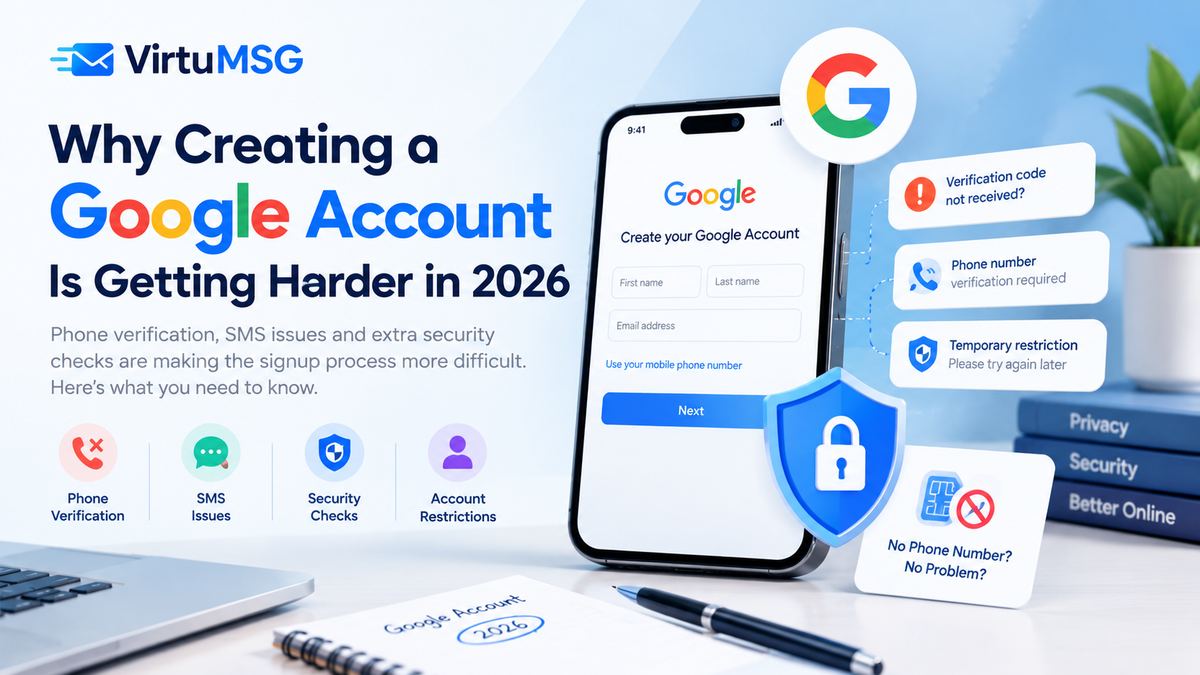
Creating a Google account used to be a straightforward process, but some users now encounter additional verification steps when signing up. Phone number requests, delayed SMS codes, and temporary registration restrictions can make the process frustrating.
These challenges may be related to Google's automated security systems, which are designed to protect accounts and reduce spam, fake registrations, and other forms of abuse.
In this guide, we explain common Google account registration problems, why they may occur, and what users can do when verification does not work.
- Phone Number Verification Is More Common in Some Cases
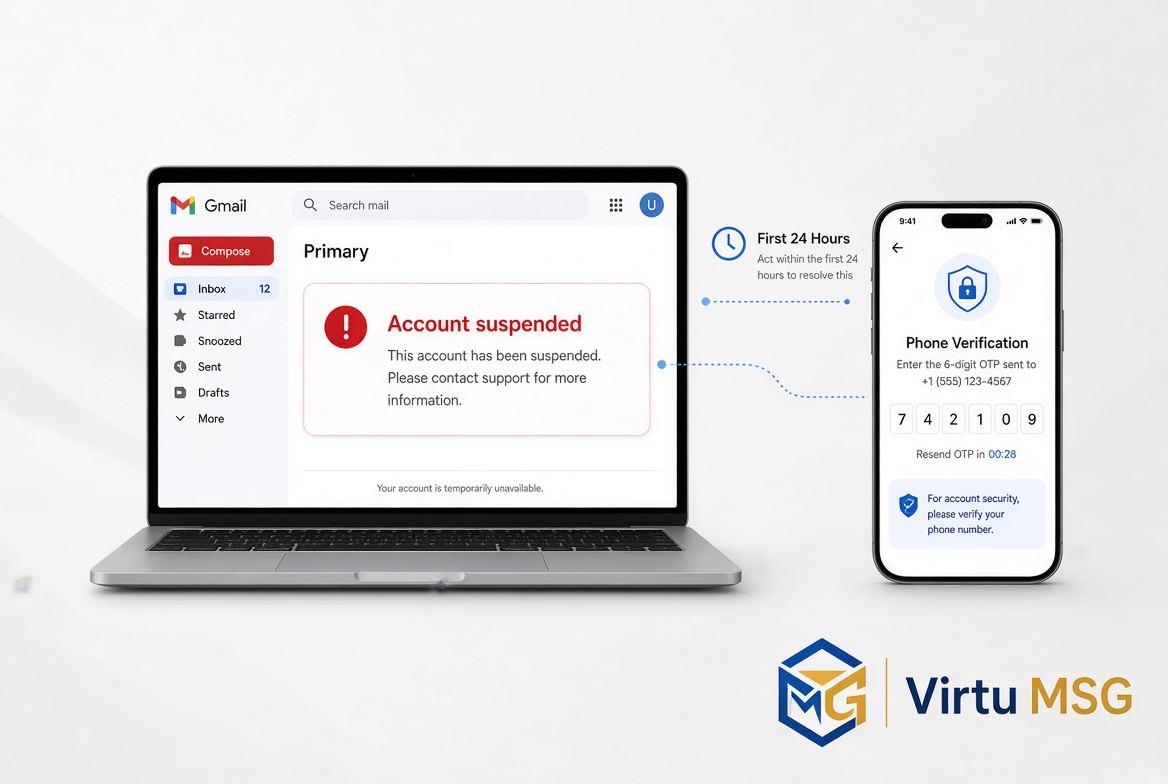
One of the main difficulties users report is being asked to verify their phone number during registration. Google may request a mobile number to help confirm that a registration attempt is legitimate.
However, phone verification is not necessarily required for every account. The checks can vary depending on the registration attempt and Google's security requirements.
If you see a phone verification screen, follow the available instructions and use a number you are authorized to use.
- Google Verification Codes May Not Arrive
Another common problem is not receiving the SMS verification code. This can happen for several reasons, including mobile network delays, an incorrect phone number, carrier restrictions, or temporary limits on verification requests.
Before trying again, check that the country code and phone number are correct. Make sure your mobile network can receive SMS messages and wait a little before requesting another code.
Repeated requests in a short period may lead to additional temporary restrictions, so avoid submitting requests continuously.
- Unusual Registration Activity Can Trigger Extra Checks
Google uses automated systems to identify activity that may indicate abuse or unauthorized access. In some situations, a registration attempt may require additional verification or may not be allowed to continue immediately.
The reason for a particular check is not always visible to the user. It is therefore difficult to say that one specific factor—such as an IP address, browser, or device—is always responsible.
If registration fails, use your normal device and internet connection where possible, and follow the instructions shown on Google's official signup page.
- Repeated Attempts May Cause Temporary Restrictions
Trying to create an account repeatedly or requesting many verification codes in quick succession can make the process more difficult.
If you encounter a temporary restriction, stop making repeated attempts and wait before trying again. Follow any message or waiting period displayed by Google rather than switching numbers or changing settings repeatedly.
- Google Account Security Checks May Change
Online discussions on technology forums sometimes describe different registration experiences. These reports can help identify common problems, but individual experiences do not necessarily prove that Google has introduced one universal change for all users.
Google's verification requirements may differ by situation and can change over time. For the most accurate instructions, consult Google's official account creation and verification help pages.
How to Troubleshoot Google Account Registration
If you cannot complete registration, try these steps:
- Confirm that your details are entered correctly.
- Check your phone number's country code and ability to receive SMS messages.
- Wait before requesting another verification code.
- Use the official Google account signup page.
- Follow any additional verification instructions displayed on screen.
- If a temporary restriction appears, wait and try again later.
- Never share your verification code or password with another person.
Frequently Asked Questions
Can I create a Google account without a phone number?
Google does not require phone verification in every signup situation, but it may require a number for a particular registration attempt. There is no guarantee that the phone-number step can be skipped.
Why is Google not sending my verification code?
Possible reasons include network delays, an incorrect number, carrier restrictions, or temporary limits on verification requests. Check your details and avoid requesting codes repeatedly.
Does using a VPN cause Google signup problems?
A VPN does not automatically prevent account creation. However, Google does not publicly disclose every factor used in its risk checks, so it is not possible to say that a VPN alone caused a specific registration failure.
How long should I wait before trying again?
Follow any waiting period shown by Google. If no time is specified, avoid repeated attempts and try again later.
Final Thoughts
Creating a Google account can sometimes involve more verification than users expect. Phone checks, missing SMS codes, and temporary restrictions may interrupt registration, but the cause can vary from one situation to another.
Using accurate information, checking SMS delivery, avoiding repeated requests, and following Google's official instructions are sensible first steps.
VirtuMSG will continue updating this guide as reliable information about Google account registration and verification becomes available.
Seo Keywords:-
- why creating a Google account is difficult in 2026
- Google account signup problems
- Google account phone verification problem
- Google verification code not received
- can't create a Google account
- Google account registration failed
- Google SMS verification not working
- Google account verification requirements 2026
- create a Google account troubleshooting
- Google signup temporary restriction