Guides7 min read
How to Create a Second Google Account Without Linking It to Your Existing One
Want to create a second Google account for work or personal use? Learn how Google account settings, phone verification, recovery details, and Android privacy controls affect account separation.
How to Create a Second Google Account Without Linking It to Your Existing One
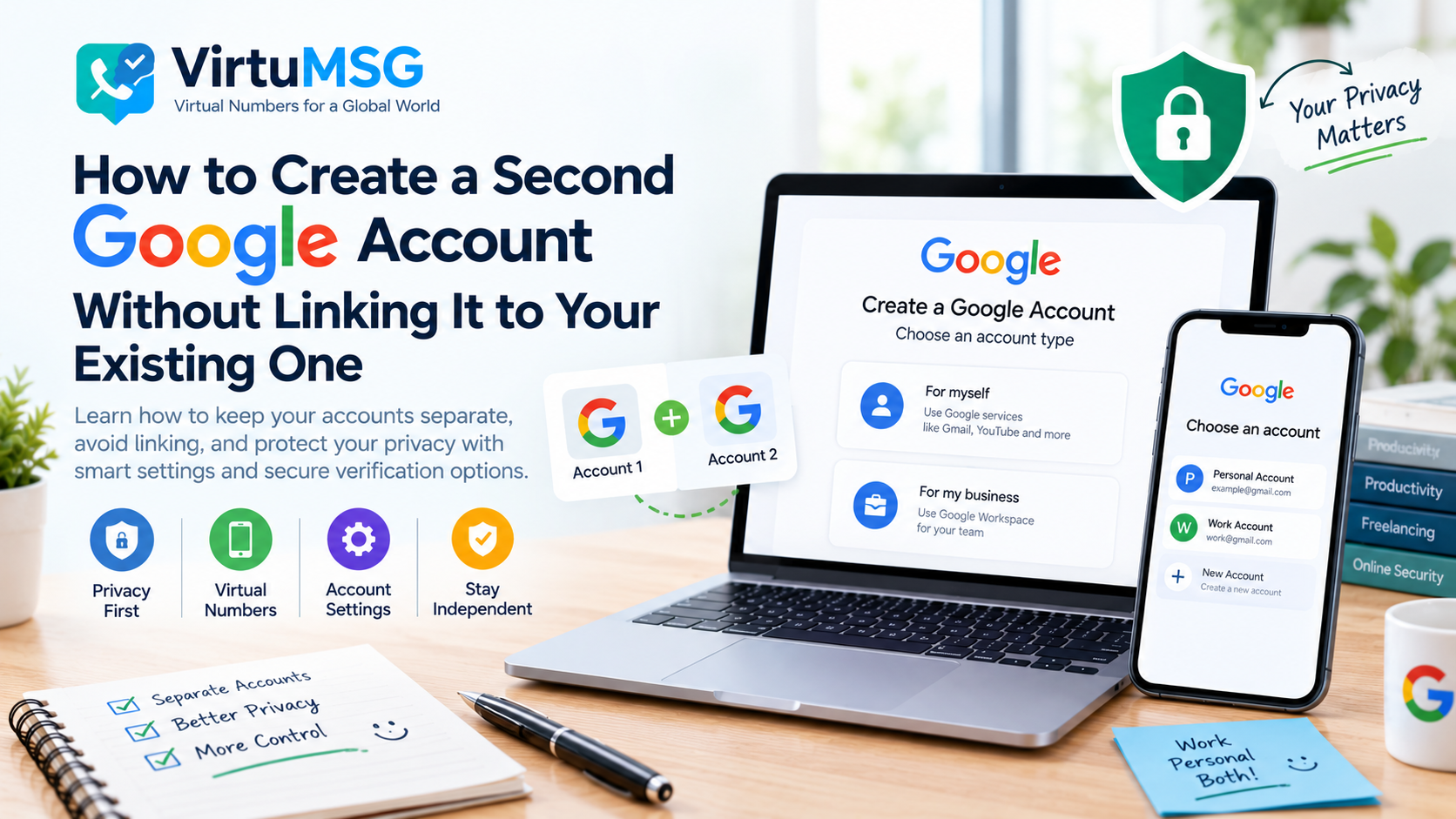
Creating a second Google account can be useful when you want to separate personal emails from work, manage different projects, or keep your online activities organized. However, you may wonder whether Google automatically connects your new account to your existing profile.
The answer depends on the information you provide, the settings you use, and how you access Google services. Sharing a phone number or recovery email can create an explicit connection, while signing in to multiple accounts on the same device can affect how certain Google services work.
In this guide, we explain how to create a second Google account, manage account information, review phone-number settings, and improve privacy without compromising account security.
𝗪𝗵𝘆 𝗖𝗿𝗲𝗮𝘁𝗲 𝗮 𝗦𝗲𝗰𝗼𝗻𝗱 𝗚𝗼𝗼𝗴𝗹𝗲 𝗔𝗰𝗰𝗼𝘂𝗻𝘁?
People create multiple Google accounts for different reasons. For example, you might want one account for personal communication and another for school, a project, or other permitted activities.
Separate accounts can help organize Gmail, Google Drive, Calendar, and other services. They do not automatically guarantee complete separation of your information, however.
Google may use account details, settings, and activity to provide its services and protect against abuse. It is therefore important to understand which information you share across accounts.
𝗛𝗼𝘄 𝘁𝗼 𝗖𝗿𝗲𝗮𝘁𝗲 𝗮 𝗦𝗲𝗰𝗼𝗻𝗱 𝗚𝗼𝗼𝗴𝗹𝗲 𝗔𝗰𝗰𝗼𝘂𝗻𝘁
You can start the process through Google's official account creation page.
- Visit https://accounts.google.com/signup.
- Select the appropriate account type.
- Enter the information requested on the screen.
- Choose an available username and create a strong password.
- Complete any phone or email verification Google requires.
- Review the security and recovery options before finishing setup.
Google may make a phone number optional during some sign-up processes, but it can require verification in other situations. Follow the instructions shown for your account rather than assuming that verification can always be skipped.
𝗗𝗼𝗲𝘀 𝗚𝗼𝗼𝗴𝗹𝗲 𝗟𝗶𝗻𝗸 𝗠𝘂𝗹𝘁𝗶𝗽𝗹𝗲 𝗔𝗰𝗰𝗼𝘂𝗻𝘁𝘀?
There is no publicly documented rule stating that every pair of Google accounts automatically becomes linked simply because they belong to the same person.
However, certain details and settings can connect accounts or make them easier to associate.
These may include:
• The same recovery email address or phone number • A phone number added to multiple account profiles • Google services used while signed in to several accounts • Shared account recovery or security settings
Google also uses information to protect its services against spam and abuse. It does not publicly disclose every signal used in its security systems, so claims that a specific device, IP address, or behavior always causes an account link should be treated cautiously.
𝗪𝗵𝗮𝘁 𝗛𝗮𝗽𝗽𝗲𝗻𝘀 𝗜𝗳 𝗬𝗼𝘂 𝗨𝘀𝗲 𝘁𝗵𝗲 𝗦𝗮𝗺𝗲 𝗣𝗵𝗼𝗻𝗲 𝗡𝘂𝗺𝗯𝗲𝗿?
Google allows phone numbers to serve several purposes, including account recovery, security checks, and connecting with people through certain services.
However, Google limits how many accounts a phone number can verify. If you see a message saying that a number cannot be used or has been used too many times, follow Google's recommended verification options.
Using a different number does not guarantee that accounts will remain completely independent, and repeatedly creating accounts to get around verification limits may lead to additional problems.
For reliable long-term access, use accurate account information and a recovery method you can continue to access.
𝗔𝗻𝗱𝗿𝗼𝗶𝗱 𝗣𝗵𝗼𝗻𝗲 𝗡𝘂𝗺𝗯𝗲𝗿 𝗩𝗲𝗿𝗶𝗳𝗶𝗰𝗮𝘁𝗶𝗼𝗻 𝗦𝗲𝘁𝘁𝗶𝗻𝗴𝘀
If you use multiple Google accounts on an Android phone, review the phone-number verification settings available on your device.
On supported devices, the setting may be found under:
Settings → Google → All services → Phone number verification
Look for the option labelled “Verify phone numbers automatically.” Menu names and availability may vary by device and software version.
If you prefer to manage phone-number association manually, review this setting and the phone number listed in each Google Account. Turning off automatic verification does not necessarily remove a number that is already associated with an account.
To review an account's saved number, visit your Google Account settings and open Personal info → Phone. Check the available options before changing or removing information, because a phone number may also be used for account recovery or other services.
𝗛𝗼𝘄 𝘁𝗼 𝗜𝗺𝗽𝗿𝗼𝘃𝗲 𝗚𝗼𝗼𝗴𝗹𝗲 𝗔𝗰𝗰𝗼𝘂𝗻𝘁 𝗣𝗿𝗶𝘃𝗮𝗰𝘆
You can improve privacy by reviewing what each account stores and how it is used.
𝗥𝗲𝘃𝗶𝗲𝘄 𝗥𝗲𝗰𝗼𝘃𝗲𝗿𝘆 𝗗𝗲𝘁𝗮𝗶𝗹𝘀
Check the recovery email address and phone number saved to each account. Use contact details you control, and understand that sharing the same recovery information across accounts creates a connection between them.
𝗖𝗵𝗲𝗰𝗸 𝗬𝗼𝘂𝗿 𝗣𝗿𝗶𝘃𝗮𝗰𝘆 𝗦𝗲𝘁𝘁𝗶𝗻𝗴𝘀
Visit your Google Account's Data & privacy section to review activity controls, personalization options, and other available privacy settings.
𝗠𝗮𝗻𝗮𝗴𝗲 𝗦𝗶𝗴𝗻𝗲𝗱-𝗜𝗻 𝗔𝗰𝗰𝗼𝘂𝗻𝘁𝘀
Review which Google accounts are signed in on your phone and which services use them. If you prefer to keep work and personal activities organized, use the appropriate account for each task and check which account is active before sharing or uploading information.
𝗨𝘀𝗲 𝗦𝘁𝗿𝗼𝗻𝗴 𝗦𝗲𝗰𝘂𝗿𝗶𝘁𝘆
Choose a unique password for each account and enable two-step verification where available. Keep recovery details current so that privacy precautions do not leave you locked out later.
𝗖𝗮𝗻 𝗩𝗶𝗿𝘁𝘂𝗮𝗹 𝗡𝘂𝗺𝗯𝗲𝗿𝘀 𝗞𝗲𝗲𝗽 𝗚𝗼𝗼𝗴𝗹𝗲 𝗔𝗰𝗰𝗼𝘂𝗻𝘁𝘀 𝗦𝗲𝗽𝗮𝗿𝗮𝘁𝗲?
Some users consider virtual phone numbers when they want to avoid sharing their personal number with an online service. Whether a particular number can be used for Google verification depends on Google's current requirements and the type of number.
A virtual number does not guarantee account separation, prevent restrictions, or remove other information Google may use to protect its services. Temporary numbers can also create recovery problems if access expires or the number is assigned to another user.
At VirtuMSG, we encourage users to understand a service's verification requirements before choosing a phone-number option. Always check compatibility in advance and avoid relying on a temporary number for an account you need to maintain long term.
𝗪𝗵𝗮𝘁 𝗜𝗳 𝗚𝗼𝗼𝗴𝗹𝗲 𝗔𝘀𝗸𝘀 𝗳𝗼𝗿 𝗣𝗵𝗼𝗻𝗲 𝗩𝗲𝗿𝗶𝗳𝗶𝗰𝗮𝘁𝗶𝗼𝗻?
If Google requests phone verification, first check that you have entered the correct number and country code.
If the code does not arrive:
• Wait a few minutes in case delivery is delayed. • Check whether your mobile service can receive messages. • Try the call option if Google offers it. • Follow Google's instructions if the number has reached its verification limit. • Use Google's official account help resources if the issue continues.
Do not repeatedly submit numbers or create accounts simply to bypass a verification limit. Resolving the issue through the official process is a more reliable way to protect your account.
𝗙𝗶𝗻𝗮𝗹 𝗧𝗵𝗼𝘂𝗴𝗵𝘁𝘀
Creating a second Google account is straightforward, but keeping your information organized requires attention to account settings, recovery details, and phone-number verification.
Google does not publicly explain every signal its systems use to associate activity, so no single method can guarantee that two accounts will never be connected. The most practical approach is to review your privacy settings, understand how your phone number is used, and maintain secure recovery options.
With accurate information and sensible privacy controls, you can manage separate Google accounts more confidently while protecting access to both.
𝗙𝗔𝗤
𝗖𝗮𝗻 𝗜 𝗰𝗿𝗲𝗮𝘁𝗲 𝗮 𝘀𝗲𝗰𝗼𝗻𝗱 𝗚𝗼𝗼𝗴𝗹𝗲 𝗮𝗰𝗰𝗼𝘂𝗻𝘁?
Yes. Google supports multiple accounts. The information and verification steps required during creation can vary.
𝗖𝗮𝗻 𝗜 𝘂𝘀𝗲 𝘁𝗵𝗲 𝘀𝗮𝗺𝗲 𝗽𝗵𝗼𝗻𝗲 𝗻𝘂𝗺𝗯𝗲𝗿 𝗳𝗼𝗿 𝘁𝘄𝗼 𝗚𝗼𝗼𝗴𝗹𝗲 𝗮𝗰𝗰𝗼𝘂𝗻𝘁𝘀?
Google limits how many accounts a phone number can verify. Whether it can be used again depends on Google's verification rules and the number's history.
𝗪𝗵𝘆 𝗱𝗼𝗲𝘀 𝗚𝗼𝗼𝗴𝗹𝗲 𝗮𝘀𝗸 𝗳𝗼𝗿 𝗽𝗵𝗼𝗻𝗲 𝘃𝗲𝗿𝗶𝗳𝗶𝗰𝗮𝘁𝗶𝗼𝗻?
Google sometimes requires a phone number to help protect accounts and prevent abuse. The requirement can vary depending on the sign-up or sign-in process.
𝗪𝗶𝗹𝗹 𝗮 𝘃𝗶𝗿𝘁𝘂𝗮𝗹 𝗻𝘂𝗺𝗯𝗲𝗿 𝗽𝗿𝗲𝘃𝗲𝗻𝘁 𝗮𝗰𝗰𝗼𝘂𝗻𝘁 𝗹𝗶𝗻𝗸𝗶𝗻𝗴?
No. A virtual number does not guarantee that accounts will remain unassociated or prevent account restrictions.
𝗛𝗼𝘄 𝗱𝗼 𝗜 𝗿𝗲𝗺𝗼𝘃𝗲 𝗮 𝗽𝗵𝗼𝗻𝗲 𝗻𝘂𝗺𝗯𝗲𝗿 𝗳𝗿𝗼𝗺 𝗺𝘆 𝗚𝗼𝗼𝗴𝗹𝗲 𝗔𝗰𝗰𝗼𝘂𝗻𝘁?
Open your Google Account settings, go to Personal info, and review the Phone section. Before removing a number, make sure you have another suitable recovery method if needed.