Guides5 min read
Gmail Account Farming in 2026: What Works, What Changed, and Why
Google’s account verification systems have evolved. Learn what has changed in 2026, how phone verification works, and how to manage multiple Gmail accounts while protecting your privacy.
Gmail Account Farming in 2026: What Works, What Changed, and Why
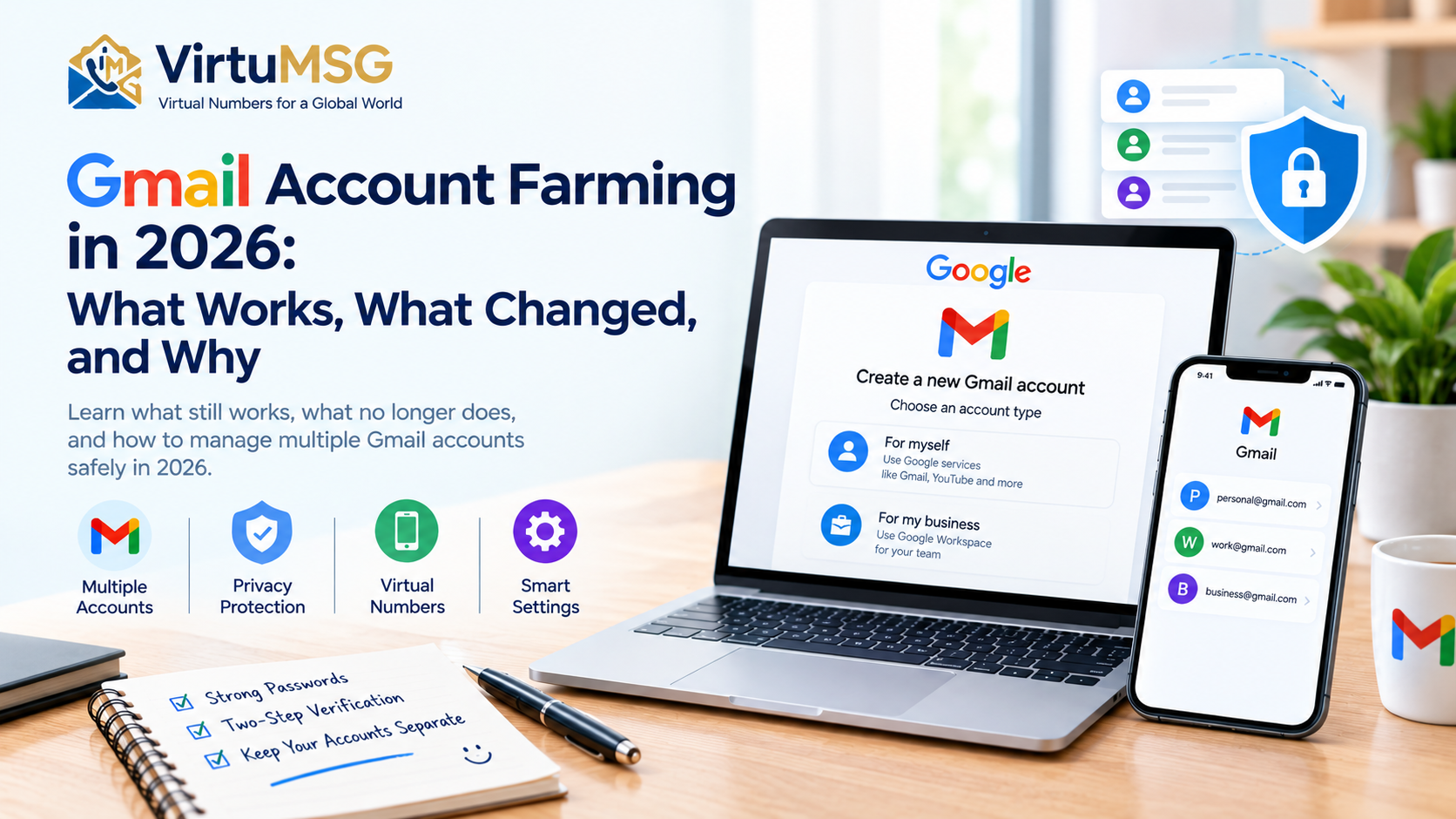
Creating multiple Gmail accounts used to be relatively straightforward. Users could complete registration, verify a phone number when required, and start using their accounts. In 2026, the process can be less predictable because Google applies verification and security checks to help protect its services from abuse.
Whether you need separate accounts for work, business, testing, or personal use, understanding these changes can help you avoid unnecessary verification problems.
For users who value privacy, services such as VirtuMSG can help them explore virtual phone number options where supported. However, Google decides which numbers it accepts, and using a virtual number does not guarantee successful verification or prevent an account from being restricted.
𝗪𝗵𝗮𝘁 𝗛𝗮𝘀 𝗖𝗵𝗮𝗻𝗴𝗲𝗱 𝗶𝗻 𝗚𝗺𝗮𝗶𝗹 𝗔𝗰𝗰𝗼𝘂𝗻𝘁 𝗖𝗿𝗲𝗮𝘁𝗶𝗼𝗻?
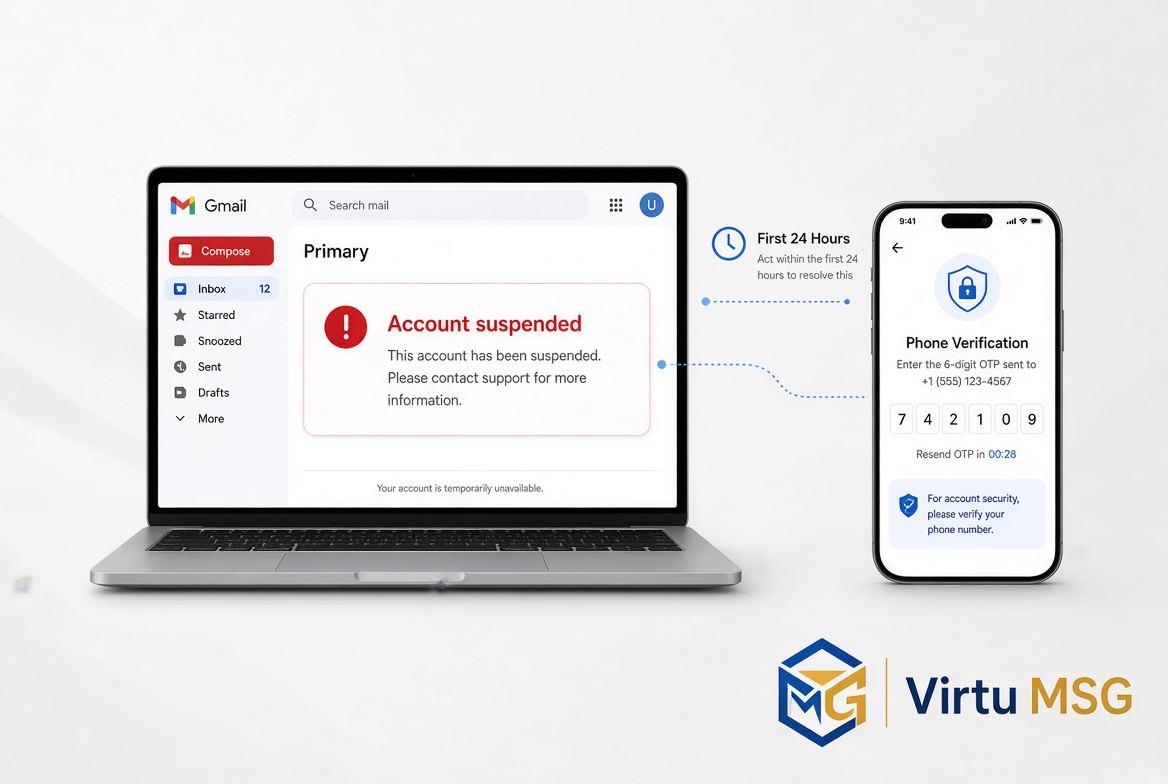
Google may request additional verification during account registration or when its security systems detect activity that needs further review. The exact requirements can vary by user, device, region, and registration circumstances.
Some users may be able to create an account without providing a phone number, while others may be asked to verify one. Repeated attempts, previously used numbers, and unusual activity can sometimes lead to additional checks.
There is no universal registration method that guarantees every account will be accepted.
𝗪𝗵𝗮𝘁 𝗦𝘁𝗶𝗹𝗹 𝗪𝗼𝗿𝗸𝘀 𝗳𝗼𝗿 𝗟𝗲𝗴𝗶𝘁𝗶𝗺𝗮𝘁𝗲 𝗠𝘂𝗹𝘁𝗶𝗽𝗹𝗲 𝗔𝗰𝗰𝗼𝘂𝗻𝘁 𝗨𝘀𝗲?
If you need multiple Google accounts for legitimate purposes, the most practical approach is to keep your account information accurate and follow Google's registration requirements.
Consider these best practices:
• Create accounts only when you have a genuine need for them. • Provide accurate recovery information when requested. • Complete any verification steps shown during registration. • Keep your recovery email and security details up to date. • Use separate browser profiles or Android account settings to organize personal and work accounts. • Follow Google's terms and policies for each account.
These practices help with organization and account recovery, but they do not guarantee that Google will never request additional verification.
𝗪𝗵𝗶𝗰𝗵 𝗢𝗹𝗱 𝗔𝗽𝗽𝗿𝗼𝗮𝗰𝗵𝗲𝘀 𝗔𝗿𝗲 𝗨𝗻𝗿𝗲𝗹𝗶𝗮𝗯𝗹𝗲?
Online guides sometimes claim that changing an IP address, switching devices, or using a different phone number will guarantee successful account creation. Such claims are unreliable.
Google does not publish a universal checklist of every signal used in its security decisions. Changing network connections or devices does not guarantee that a registration will succeed, and repeatedly attempting verification can create further friction.
Likewise, no phone number or registration technique guarantees that an account will remain active indefinitely. It is better to follow the official registration process than to rely on supposed shortcuts.
𝗪𝗵𝘆 𝗣𝗵𝗼𝗻𝗲 𝗡𝘂𝗺𝗯𝗲𝗿 𝗩𝗲𝗿𝗶𝗳𝗶𝗰𝗮𝘁𝗶𝗼𝗻 𝗠𝗮𝘁𝘁𝗲𝗿𝘀
Google may use phone verification as one way to confirm that a registration is legitimate or to help protect an account. A phone number can also be useful for account recovery, depending on the security settings available.
Verification problems may occur when a number is unsupported, has reached a usage limit, cannot receive the required message, or is otherwise rejected by the service.
If you do not receive a verification code, check that the number is entered correctly, confirm that it can receive the required message or call, and follow the instructions displayed by Google. Avoid repeated attempts when the service tells you to wait.
𝗖𝗮𝗻 𝗩𝗶𝗿𝘁𝘂𝗮𝗹 𝗡𝘂𝗺𝗯𝗲𝗿𝘀 𝗕𝗲 𝗨𝘀𝗲𝗱 𝗳𝗼𝗿 𝗚𝗺𝗮𝗶𝗹?
Virtual phone numbers can provide an alternative to sharing a personal number with every online service. Their suitability depends on the provider, the number type, and the platform's current verification rules.
Before choosing a virtual number, consider:
• Whether the number can receive the required verification message or call. • Whether Google accepts that number for the specific verification request. • Whether you will retain access to the number later. • Whether the provider explains its privacy practices and service limitations.
A virtual number is not a guaranteed way to create accounts, avoid security checks, or prevent account restrictions. Temporary numbers can also create recovery difficulties if you lose access to them.
𝗛𝗼𝘄 𝗩𝗶𝗿𝘁𝘂𝗠𝗦𝗚 𝗖𝗮𝗻 𝗛𝗲𝗹𝗽 𝘄𝗶𝘁𝗵 𝗣𝗵𝗼𝗻𝗲 𝗡𝘂𝗺𝗯𝗲𝗿 𝗣𝗿𝗶𝘃𝗮𝗰𝘆
VirtuMSG provides information and access to virtual phone number options for supported services and regions. Depending on availability, these options may help users avoid sharing their personal number with every service they use.
Before purchasing a number for Google verification, check the current availability and service-specific requirements. Acceptance is controlled by Google and cannot be guaranteed by a third-party provider.
For accounts you intend to keep for a long time, make sure you have a reliable recovery method and do not depend entirely on a temporary number.
𝗙𝗶𝗻𝗮𝗹 𝗧𝗵𝗼𝘂𝗴𝗵𝘁𝘀
Gmail account creation in 2026 is not as predictable as some older online guides suggest. Verification requirements can differ, and no single technique guarantees successful registration or permanent account access.
For personal, business, and testing needs, focus on legitimate account creation, accurate recovery information, and Google's current requirements. If you are considering a virtual phone number, review its limitations and make sure it suits your intended use.
VirtuMSG can help you explore virtual number options where available, while careful account management helps you protect your privacy and maintain access to the accounts you rely on.
SEO Tags:- Gmail account farming 2026, create multiple Gmail accounts, Gmail account creation guide, Google account phone verification, Gmail verification code not received, virtual number for Gmail verification, Google account registration requirements, manage multiple Gmail accounts, Gmail phone number limit, Google account privacy, virtual phone numbers for online verification, separate personal and business Gmail accounts