Guides9 min read
WhatsApp Business Verification Code Not Received? How to Fix It
Not receiving your WhatsApp Business verification code? Learn how to fix SMS issues, verify number compatibility, and secure your business account with VirtuMSG.
WhatsApp Business Verification Code Not Received? Complete Troubleshooting Guide
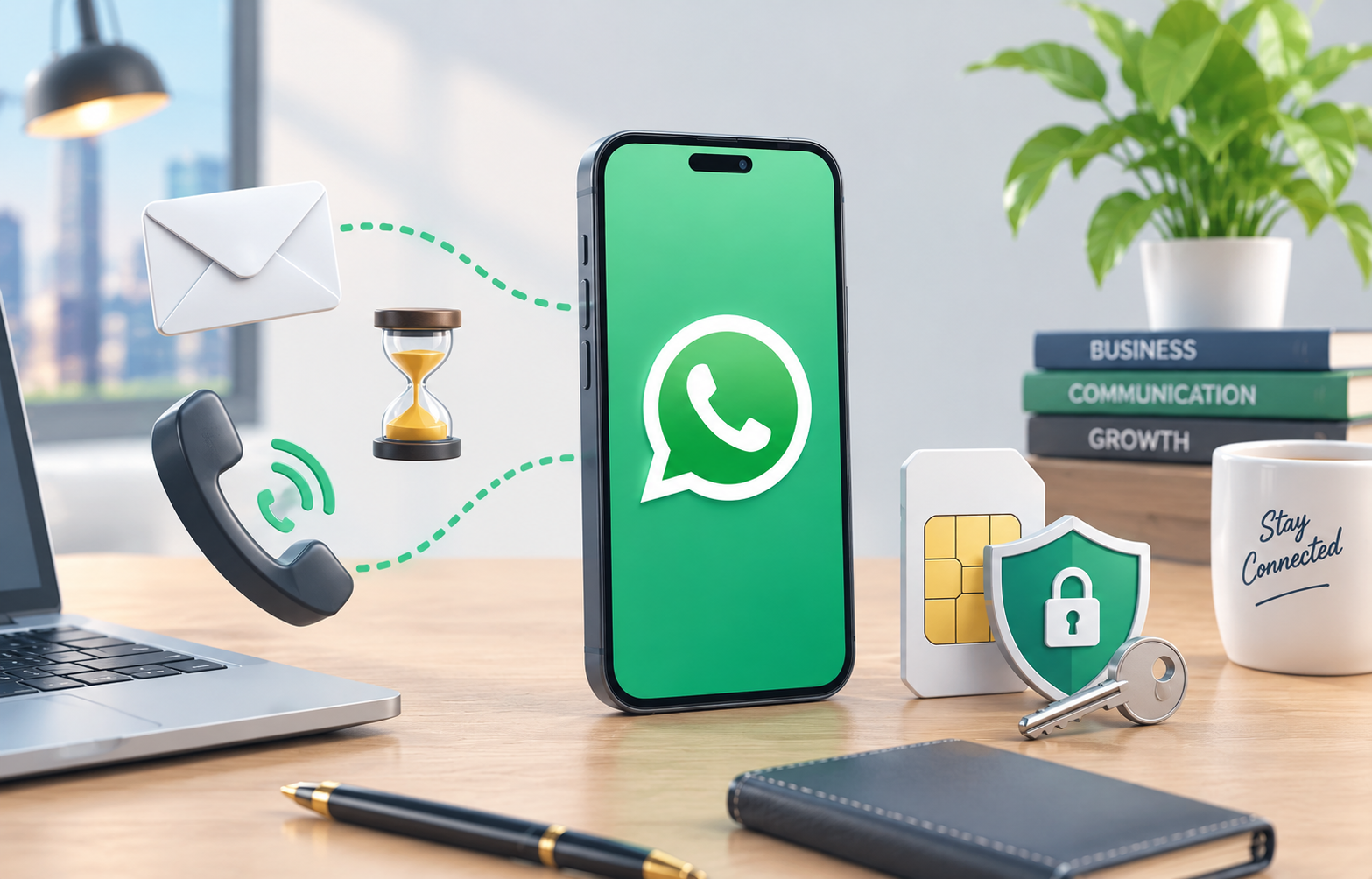
Setting up WhatsApp Business but not receiving your verification code? This can be frustrating, especially when you rely on WhatsApp to communicate with customers and manage daily business activities.
A missing code can have several causes, including an incorrect phone number, network problems, delayed SMS delivery, unsupported number types, or temporary verification limits.
In this guide, VirtuMSG explains how to identify the problem, troubleshoot common registration errors, and protect your WhatsApp Business account for long-term use.
Why Is My WhatsApp Business Verification Code Not Arriving?
Before requesting another code, understand what might be preventing verification. Common reasons include:
- An incorrect country code or phone number.
- Poor mobile network coverage.
- Delayed SMS delivery.
- Restrictions on incoming messages or calls.
- An unsupported phone number type.
- Too many verification requests in a short period.
- A two-step verification prompt instead of a registration code.
Identifying the correct cause can save time and help you avoid unnecessary registration attempts.
- Check Whether WhatsApp Is Asking for a Code or PIN
WhatsApp registration and two-step verification are different processes.
Registration code
The registration code is generally a six-digit code sent to verify access to your phone number. WhatsApp may offer SMS or phone-call verification, depending on the situation.
Two-step verification PIN or password
A two-step verification PIN or password provides an additional layer of account security. It is not the same as the registration code.
If WhatsApp asks for a PIN or password, requesting another SMS code may not solve the issue. Follow the recovery instructions displayed in the official app.
If you are using a previously owned number, an existing security setting from its former user may also affect registration.
Never guess codes repeatedly or share your security credentials with anyone.
- Confirm That Your Phone Number Is Supported
Not every phone number that can receive an SMS is eligible for WhatsApp registration.
Before choosing a number, check the following:
- You have legitimate access to the number.
- The number type is supported by WhatsApp.
- The country code and phone number are correct.
- The number can receive the required verification message or call.
- You can continue accessing the number after registration.
WhatsApp lists VoIP, toll-free, premium-rate, and certain other number types as unsupported.
Landlines can be used with the WhatsApp Business app in supported circumstances. If SMS is unavailable, phone-call verification may be an option when offered by WhatsApp.
Can I Use a Virtual Number for WhatsApp Business?
Compatibility depends on the number type and WhatsApp's eligibility requirements. A number advertised as a virtual number or SMS number is not automatically supported.
Before choosing a number through VirtuMSG, check its compatibility and confirm whether you can retain access for future verification.
Receiving one code does not guarantee successful registration in every case or permanent access to the number.
- Verify Your Country Code and Phone Number
A simple typing mistake can prevent the verification code from reaching the correct destination.
Follow these steps:
- Open WhatsApp Business.
- Select the correct country.
- Check the international dialing code.
- Enter the phone number carefully.
- Review the number for missing or incorrect digits.
- Confirm the details before requesting verification.
If everything is correct, continue with the network and delivery checks below.
- Check Your Internet and Mobile Network
WhatsApp needs an internet connection to complete registration, while your phone number must also be able to receive the verification SMS or call.
Try these troubleshooting steps:
- Open a website to confirm that your internet connection is working.
- Switch between Wi-Fi and mobile data if necessary.
- Check your mobile signal.
- Restart your phone if the connection is unstable.
- Ask your mobile carrier whether incoming SMS messages or calls are restricted.
Remember that internet access and SMS delivery are separate things. A working internet connection does not guarantee that your verification message will arrive.
- Update WhatsApp Business
An outdated app or unsupported device environment may contribute to registration problems.
Open the official app store on your phone and check whether an update is available.
Also make sure that:
- You installed the genuine WhatsApp Business app.
- Your device and operating system are supported.
- The app can connect to the internet.
- Your device is not modified in a way that makes it unsupported.
If the problem continues, note the exact error message before trying additional solutions.
- Wait Before Requesting Another Code
Repeatedly requesting a verification code within a short period may trigger a waiting timer or temporary restriction.
WhatsApp's waiting times vary, so follow the countdown displayed on your screen rather than relying on a fixed waiting period.
When the app allows another attempt:
- Tap "Didn't receive a code?" if available.
- Select an offered verification method.
- Wait for the SMS or phone call.
- Enter the code for your current registration attempt.
Avoid repeatedly requesting codes or guessing the verification digits. These actions will not fix an incorrect number or an underlying delivery restriction.
- Try Phone-Call Verification
If SMS delivery fails, WhatsApp may offer verification through an automated phone call.
Before selecting this option:
- Wait until the app permits another attempt.
- Confirm that the number can receive incoming calls.
- Check whether call-blocking settings are rejecting the call.
- Make sure the phone is available to answer.
- Coordinate securely with the person responsible for the business line.
If neither SMS nor calls work, contact your carrier to check whether verification traffic is being restricted.
Some carriers may charge for particular messages or calls.
- Can WhatsApp Send a Verification Code by Email?
Email is not a universal replacement for phone-number verification.
Depending on your account setup and the options offered by WhatsApp, a previously added and verified email address may help with certain account-access situations.
However, adding an email address for the first time does not guarantee that you can receive a registration code through email.
Always follow the official options displayed in the app.
- Protect Your Account With Available Security Features
Once your number is registered, review the security features available in WhatsApp.
Two-step verification
Set up the additional security credential offered by WhatsApp and keep it private. Follow the app's instructions for any associated email or recovery options.
Passkeys
Where available, passkeys can help you authenticate using supported device security features, such as a fingerprint, facial recognition, or your screen lock.
A passkey is an additional security feature, not a guarantee that you can recover an account after losing access to its registered number.
Keep your number accessible
Maintain legitimate access to the number connected to your business account. Also keep access to your configured security and recovery methods.
Never share registration codes, PINs, or passwords with strangers or unauthorized staff.
- How to Choose a Number for Long-Term Business Use
For a business that depends on WhatsApp, choosing a number is not just about receiving a verification code once.
Consider these points before selecting a number:
Number compatibility: Confirm that the number type meets WhatsApp's requirements.
Ongoing access: Choose a number that you can continue to access and retain.
Verification delivery: Understand how incoming messages and calls are handled.
Recovery planning: Consider what you would do if you changed phones or needed to register the number again.
Security: Protect your verification details and keep account responsibilities clear within your business.
Temporary access to an SMS inbox does not necessarily provide ownership of a number or a reliable way to recover your account in the future.
VirtuMSG encourages users to review number compatibility and access conditions before choosing a number for ongoing business communication.
- What If WhatsApp Business Registration Still Fails?
If you have checked your number, network, app version, and available verification methods but registration still fails, use WhatsApp's official help resources.
When explaining the problem, include the following details:
- Whether the SMS code is missing.
- Whether phone-call verification is available.
- Whether a waiting timer appears.
- Whether the screen asks for a two-step verification PIN or password.
- Whether the number can receive ordinary messages and calls.
Describe the error clearly, but never include your verification code, PIN, or password.
A precise explanation can help distinguish a delivery problem from a number-eligibility or account-security issue.
Frequently Asked Questions
Why am I not receiving my WhatsApp Business verification code?
Possible reasons include an incorrect number, an unsupported number type, poor network coverage, carrier restrictions, delayed SMS delivery, or temporary verification limits. Check your number first and follow the timer displayed in the app.
Can I verify WhatsApp Business without an SMS?
WhatsApp may offer phone-call verification when available. Other options depend on your account and the registration screen. Not every number supports every verification method.
Why is WhatsApp asking for a PIN instead of sending a code?
The app may be requesting your two-step verification PIN or password. This is different from the registration code used to verify your phone number.
Are virtual numbers always compatible with WhatsApp Business?
No. Compatibility depends on the number type and WhatsApp's current requirements. A service advertising SMS delivery does not guarantee that its numbers are eligible for WhatsApp registration.
Can I use the same number for WhatsApp Messenger and WhatsApp Business?
Generally, one phone number cannot be registered as two separate accounts in the standard WhatsApp Messenger and WhatsApp Business apps simultaneously. If you need separate personal and business accounts, plan for distinct numbers.
Does receiving a verification code guarantee permanent access?
No. Receiving a code confirms access to the number for that registration attempt. It does not guarantee continued access, uninterrupted service, or future account recovery.
What should I do if I lose access to my registered number?
Follow the account recovery or number-change options provided by WhatsApp, depending on your circumstances. Losing control of your number can make future registration and recovery more difficult.
WhatsApp Business Verification Checklist
Before requesting another code, check the following:
- Confirm the correct country code and phone number.
- Check that the number type is supported.
- Test your internet and mobile network.
- Update WhatsApp Business.
- Confirm that incoming SMS messages or calls can reach the number.
- Check call-blocking settings if necessary.
- Wait for the displayed verification timer.
- Use only the methods offered by WhatsApp.
- Identify whether the screen requests a registration code or a security PIN.
- Make sure you can retain access to the number.
Explore WhatsApp Number Services at VirtuMSG
Choosing a number for WhatsApp Business requires more than finding a service that can deliver a one-time SMS. Number compatibility, continuing access, and future verification are also important considerations.
Visit VirtuMSG to explore available number services and review the information provided for each option.
Before choosing a number, check current country availability, number type, verification options, and conditions of continued access. Availability can change, and registration cannot be guaranteed for every number.
For a business account you intend to use over the long term, prioritize a number that you can legitimately retain and access whenever verification is required.
VirtuMSG — Make an informed choice for your WhatsApp number and protect access to your business account.