Guides6 min read
How to Create a Vinted Account in Another Country
Want to use Vinted in another country? Learn about country restrictions, multiple accounts, phone verification, and what to check before registering.
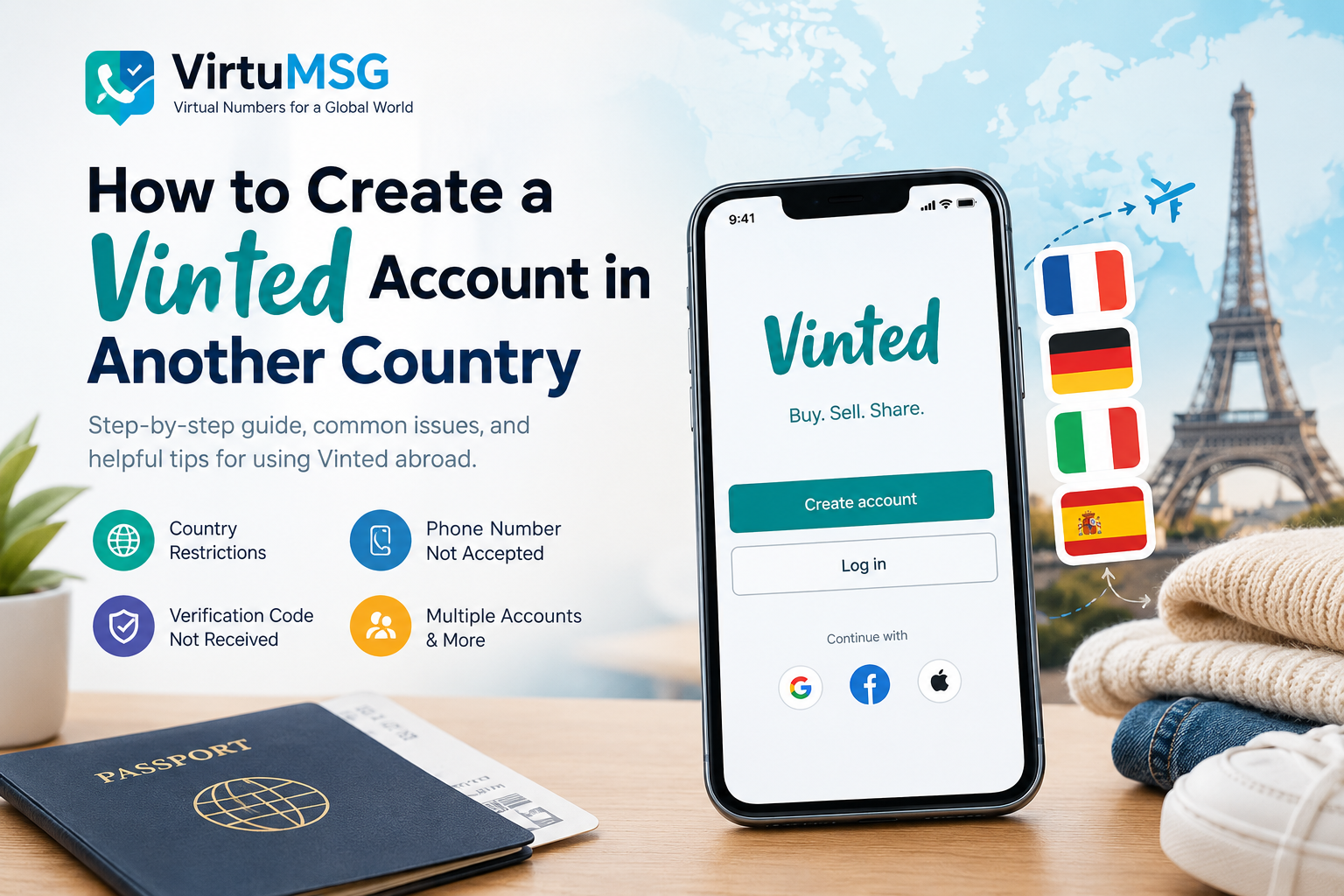
How to Create a Vinted Account in Another Country
Vinted is a popular marketplace for buying and selling second-hand clothing, shoes, accessories, and other items. However, some users want to know how to create a Vinted account in another country or whether they can use Vinted when moving abroad.
The registration process can vary depending on your location, supported marketplace, and verification requirements. Before signing up, it is important to understand how Vinted handles country settings, phone numbers, and account access.
𝗛𝗼𝘄 𝘁𝗼 𝗖𝗿𝗲𝗮𝘁𝗲 𝗮 𝗩𝗶𝗻𝘁𝗲𝗱 𝗔𝗰𝗰𝗼𝘂𝗻𝘁
To learn how to register on Vinted, start by checking whether the platform is available in your country.
Follow these general steps:
- Visit the official Vinted website or download the Vinted app.
- Check the available registration options for your region.
- Sign up using an accepted registration method.
- Enter accurate information and complete any required verification.
- Review the marketplace rules before listing or purchasing items.
Your available features may depend on the country associated with your account. Always use accurate information and follow Vinted's current terms.
𝗖𝗮𝗻 𝗬𝗼𝘂 𝗨𝘀𝗲 𝗩𝗶𝗻𝘁𝗲𝗱 𝗶𝗻 𝗔𝗻𝗼𝘁𝗵𝗲𝗿 𝗖𝗼𝘂𝗻𝘁𝗿𝘆?
Many users ask, "Can you use Vinted in another country?" The answer depends on Vinted's availability and regional rules.
Vinted operates through supported markets, and features such as shipping, payments, and available listings can differ between regions. Travelling to another country does not necessarily mean that you can switch your existing account to that country's marketplace.
If you have moved abroad, check the official Vinted Help Centre for the latest instructions about your account and country settings before creating another profile.
𝗛𝗼𝘄 𝘁𝗼 𝗖𝗵𝗮𝗻𝗴𝗲 𝗖𝗼𝘂𝗻𝘁𝗿𝘆 𝗼𝗻 𝗩𝗶𝗻𝘁𝗲𝗱
If you are searching for how to change country on Vinted, first determine whether your account can be transferred to the marketplace you want to use.
Country settings may be subject to restrictions because Vinted connects users with particular regional marketplaces and local buying, selling, shipping, and payment options.
Before making changes:
- Review Vinted's official guidance for moving to another country.
- Check whether your existing account can be used in your new location.
- Confirm which payment and delivery services are supported.
- Contact Vinted Support if the available settings do not meet your needs.
Avoid entering a false location or creating additional accounts to bypass regional restrictions.
𝗩𝗶𝗻𝘁𝗲𝗱 𝗣𝗵𝗼𝗻𝗲 𝗡𝘂𝗺𝗯𝗲𝗿 𝗡𝗼𝘁 𝗔𝗰𝗰𝗲𝗽𝘁𝗲𝗱
Seeing a "Vinted phone number not accepted" message can be frustrating during registration or account verification.
This issue may occur because of an incorrect country code, an unsupported number, a formatting mistake, or restrictions on certain number types.
Here are some steps you can try:
- Check that you selected the correct country code.
- Enter your phone number in the required format.
- Make sure the number is active and can receive verification messages.
- Check whether Vinted supports your number type.
- Contact official support if the issue continues.
Some users also consider virtual phone numbers for online registration. However, Vinted may not accept every virtual number, and using one does not guarantee successful verification or continued account access.
VirtuMSG provides information about virtual number services, but users should confirm compatibility with Vinted before choosing a number.
𝗩𝗶𝗻𝘁𝗲𝗱 𝗩𝗲𝗿𝗶𝗳𝗶𝗰𝗮𝘁𝗶𝗼𝗻 𝗖𝗼𝗱𝗲 𝗡𝗼𝘁 𝗥𝗲𝗰𝗲𝗶𝘃𝗲𝗱
If your Vinted verification code is not received, the problem may be related to network delays, an incorrect phone number, or restrictions imposed by your mobile provider or the platform.
Try the following troubleshooting steps:
- Double-check the phone number and country code.
- Wait briefly before requesting another code.
- Confirm that your phone can receive SMS messages.
- Avoid repeated requests in quick succession.
- Follow the alternative verification options shown by Vinted, if available.
If the code still does not arrive, contact Vinted Support. Do not share verification codes or account credentials with anyone claiming to offer unofficial assistance.
𝗛𝗼𝘄 𝘁𝗼 𝗖𝗵𝗮𝗻𝗴𝗲 𝗣𝗵𝗼𝗻𝗲 𝗡𝘂𝗺𝗯𝗲𝗿 𝗼𝗻 𝗩𝗶𝗻𝘁𝗲𝗱
If you need to change the phone number on Vinted, check your account settings for the available options.
The process may depend on whether you can still access your account and whether additional verification is required.
Use the official account settings or contact Vinted Support if your old number is no longer available. Make sure you can access the email address associated with your account, as it may help with account recovery.
Do not create a replacement account simply because you cannot access your old number without first checking Vinted's account rules.
𝗖𝗮𝗻 𝗬𝗼𝘂 𝗛𝗮𝘃𝗲 𝗠𝘂𝗹𝘁𝗶𝗽𝗹𝗲 𝗔𝗰𝗰𝗼𝘂𝗻𝘁𝘀 𝗼𝗻 𝗩𝗶𝗻𝘁𝗲𝗱?
Another common question is, "Can you have multiple accounts on Vinted?"
Vinted generally restricts users to one account, subject to its current terms and any expressly permitted exceptions. Creating extra profiles for different countries or purposes may lead to verification problems or account restrictions.
If you need to change your country, manage a second-hand selling business, or recover an existing profile, check the official rules before registering again.
Using different phone numbers does not automatically make multiple accounts permitted.
𝗪𝗵𝗮𝘁 𝗜𝗳 𝗬𝗼𝘂𝗿 𝗩𝗶𝗻𝘁𝗲𝗱 𝗔𝗰𝗰𝗼𝘂𝗻𝘁 𝗜𝘀 𝗕𝗹𝗼𝗰𝗸𝗲𝗱?
If your Vinted account is blocked, review any notification or email sent by the platform. It may explain why access has been restricted and whether an appeal is available.
To resolve the issue:
- Read the reason provided by Vinted.
- Follow the official appeal or verification process.
- Provide accurate information if support requests it.
- Avoid creating additional accounts to get around a restriction.
If you believe the decision was made in error, contact Vinted through its official support channels.
𝗛𝗼𝘄 𝘁𝗼 𝗦𝗲𝗹𝗹 𝗼𝗻 𝗩𝗶𝗻𝘁𝗲𝗱 𝗜𝗻𝘁𝗲𝗿𝗻𝗮𝘁𝗶𝗼𝗻𝗮𝗹𝗹𝘆
Users who want to sell on Vinted internationally should first check which countries their marketplace supports.
International selling depends on factors such as regional availability, shipping arrangements, payment options, and Vinted's marketplace connections. A new account or a different phone number will not necessarily provide access to another country's buyers.
For a smoother experience:
- Confirm which countries you can sell to through your current marketplace.
- Check shipping and payment requirements.
- Use accurate account and seller information.
- Review the latest seller policies before listing products.
Understanding these requirements can help you avoid registration problems and make better decisions about selling online.
𝗙𝗶𝗻𝗮𝗹 𝗧𝗵𝗼𝘂𝗴𝗵𝘁𝘀
If you want to create a Vinted account in another country, start by checking regional availability and the platform's current registration rules. Understanding how to change country on Vinted, resolve phone verification problems, and manage your existing account can help you avoid unnecessary complications.
Before using a new phone number or registering again, confirm that your chosen method is supported and allowed by Vinted.
VirtuMSG helps users explore virtual number services and online verification options. Always check the target platform's requirements before relying on any number for registration.