Guides5 min read
Upwork Phone Number Verification: How to Protect Your Privacy
Learn how Upwork phone verification works, troubleshoot SMS code issues, and protect your personal information while keeping your freelancer account secure.
Upwork Phone Number Verification: How to Protect Your Privacy
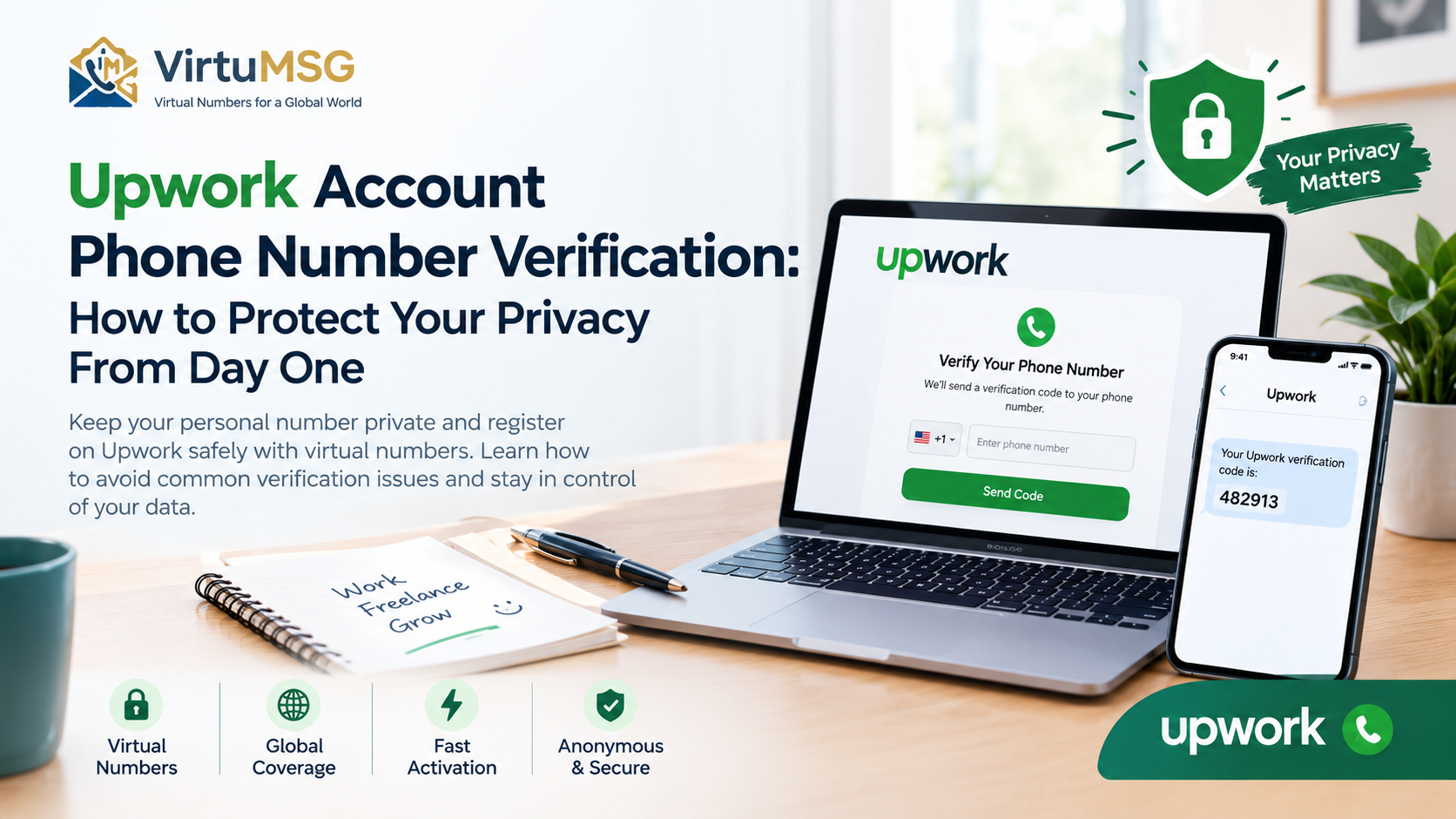
Creating an Upwork account is an important first step toward building a freelancing career. However, phone verification can raise questions about privacy, security, and what to do when an SMS code fails to arrive.
For freelancers, a phone number is more than a contact detail. It can be part of account verification and security checks. Understanding how Upwork handles phone verification can help you protect your personal information and avoid unnecessary account access problems.
In this guide, we explain why Upwork requires phone verification, how to troubleshoot common SMS issues, and which privacy precautions are worth taking before you verify your account.
𝗪𝗵𝘆 𝗗𝗼𝗲𝘀 𝗨𝗽𝘄𝗼𝗿𝗸 𝗥𝗲𝗾𝘂𝗶𝗿𝗲 𝗣𝗵𝗼𝗻𝗲 𝗩𝗲𝗿𝗶𝗳𝗶𝗰𝗮𝘁𝗶𝗼𝗻?
Upwork uses phone verification to help protect its marketplace from spam, scams, and fraudulent activity. Depending on the action you take, you may need to confirm your phone number before posting a job or submitting a proposal.
A verified phone number can help establish control of a contact method, but it does not replace every other security check. Upwork may also request identity or location verification when necessary.
Before entering your number, make sure you are using the official Upwork website or app and understand which verification step is being requested.
𝗖𝗼𝗺𝗺𝗼𝗻 𝗨𝗽𝘄𝗼𝗿𝗸 𝗦𝗠𝗦 𝗩𝗲𝗿𝗶𝗳𝗶𝗰𝗮𝘁𝗶𝗼𝗻 𝗣𝗿𝗼𝗯𝗹𝗲𝗺𝘀
Sometimes, the verification process does not work as expected. You might wait for a code that never arrives or see a message saying your number is already associated with an account.
Common causes include:
• An incorrectly entered phone number or country code • Weak mobile signal or temporary carrier issues • Delayed SMS delivery • A number that is already linked to an existing Upwork account • An unsupported phone number type
If your Upwork verification code is not received, check the number carefully and confirm that your mobile service is working. Wait a few minutes before requesting another code.
If the number is already associated with an account, try recovering the existing account instead of creating another one. Upwork allows only one account per user.
𝗖𝗮𝗻 𝗬𝗼𝘂 𝗨𝘀𝗲 𝗮 𝗩𝗶𝗿𝘁𝘂𝗮𝗹 𝗡𝘂𝗺𝗯𝗲𝗿 𝗳𝗼𝗿 𝗨𝗽𝘄𝗼𝗿𝗸?
Not every online phone number is accepted for account verification. According to Upwork's official guidance, VoIP numbers cannot be used for its phone verification process. A standard mobile number is the safer choice when you need a number that meets the platform's requirements.
Before choosing any phone service, check whether its number type is supported by Upwork. A number being available online or receiving SMS messages does not guarantee that the platform will accept it.
Temporary or disposable numbers can also create account recovery problems if you lose access to the number later. For a freelancing account you plan to use long-term, reliable access is more important than short-term convenience.
𝗛𝗼𝘄 𝘁𝗼 𝗣𝗿𝗼𝘁𝗲𝗰𝘁 𝗬𝗼𝘂𝗿 𝗣𝗿𝗶𝘃𝗮𝗰𝘆 𝗪𝗵𝗶𝗹𝗲 𝗨𝘀𝗶𝗻𝗴 𝗨𝗽𝘄𝗼𝗿𝗸
You can take several practical steps to protect your personal information without compromising account security.
𝗨𝘀𝗲 𝗮 𝗡𝘂𝗺𝗯𝗲𝗿 𝗬𝗼𝘂 𝗖𝗮𝗻 𝗞𝗲𝗲𝗽
Choose an eligible number that you control and expect to retain. Losing access to your verification number can make account recovery more difficult.
𝗣𝗿𝗼𝘁𝗲𝗰𝘁 𝗬𝗼𝘂𝗿 𝗩𝗲𝗿𝗶𝗳𝗶𝗰𝗮𝘁𝗶𝗼𝗻 𝗖𝗼𝗱𝗲𝘀
Never share one-time verification codes with strangers or people claiming they need a code to help you. Enter codes only on the official platform when you initiated the verification process.
𝗘𝗻𝗮𝗯𝗹𝗲 𝗔𝗱𝗱𝗶𝘁𝗶𝗼𝗻𝗮𝗹 𝗦𝗲𝗰𝘂𝗿𝗶𝘁𝘆
Use a strong, unique password and enable two-step verification. Upwork supports several verification methods, including authenticator apps and mobile prompts. Setting up a backup method can help if you lose access to your phone.
𝗖𝗵𝗲𝗰𝗸 𝗬𝗼𝘂𝗿 𝗣𝗿𝗶𝘃𝗮𝗰𝘆 𝗦𝗲𝘁𝘁𝗶𝗻𝗴𝘀
Review your account settings and the platform's privacy policy to understand how your information is handled. Avoid sharing your personal phone number publicly in profiles, proposals, or messages when it is not necessary.
𝗛𝗼𝘄 𝘁𝗼 𝗙𝗶𝘅 𝗮𝗻 𝗨𝗽𝘄𝗼𝗿𝗸 𝗡𝘂𝗺𝗯𝗲𝗿 𝗩𝗲𝗿𝗶𝗳𝗶𝗰𝗮𝘁𝗶𝗼𝗻 𝗘𝗿𝗿𝗼𝗿
If Upwork does not accept your phone number, follow these steps:
- Confirm that the number and country code are correct.
- Check your mobile signal and make sure your number can receive SMS messages.
- Wait a few minutes if the verification code has not arrived.
- Confirm that you are using a supported, non-VoIP number.
- If the number is linked to an older account, use the account recovery process.
- Contact Upwork Support if the issue continues.
Avoid repeatedly submitting different numbers or creating additional accounts to get around a verification error. Resolving the original issue through official support is a better approach for protecting your account.
𝗛𝗼𝘄 𝗩𝗶𝗿𝘁𝘂𝗠𝗦𝗚 𝗙𝗶𝘁𝘀 𝗜𝗻𝘁𝗼 𝗬𝗼𝘂𝗿 𝗣𝗿𝗶𝘃𝗮𝗰𝘆 𝗣𝗹𝗮𝗻
At VirtuMSG, we understand that users want more control over their online communication and phone-number privacy. When exploring virtual-number services, it is important to check the supported number type, intended use, and the requirements of the platform you want to access.
For Upwork specifically, verify compatibility before purchasing any number. VirtuMSG does not guarantee that a virtual number will pass Upwork verification, and you should not rely on a temporary number for an account you need to access for years.
The best privacy decision balances personal-data protection with account security, platform rules, and reliable long-term access.
𝗙𝗶𝗻𝗮𝗹 𝗧𝗵𝗼𝘂𝗴𝗵𝘁𝘀
Upwork phone number verification is designed to support a safer freelancing marketplace, but it is understandable to have questions about privacy. Knowing the platform's requirements, protecting verification codes, and maintaining access to your number can help you avoid common problems.
If your SMS code does not arrive, check your number and mobile service before contacting support. Most importantly, choose a verification method that meets Upwork's rules and supports secure, long-term account access.
For the latest requirements, read Upwork's official guide: https://support.upwork.com/hc/en-us/articles/33076260715923-How-to-verify-your-phone-number-on-Upwork
𝗙𝗔𝗤
𝗜𝘀 𝗽𝗵𝗼𝗻𝗲 𝘃𝗲𝗿𝗶𝗳𝗶𝗰𝗮𝘁𝗶𝗼𝗻 𝗿𝗲𝗾𝘂𝗶𝗿𝗲𝗱 𝗼𝗻 𝗨𝗽𝘄𝗼𝗿𝗸?
Upwork may require phone verification before certain actions, including posting a job or submitting a proposal.
𝗪𝗵𝘆 𝗶𝘀 𝗺𝘆 𝗨𝗽𝘄𝗼𝗿𝗸 𝗦𝗠𝗦 𝗰𝗼𝗱𝗲 𝗻𝗼𝘁 𝗮𝗿𝗿𝗶𝘃𝗶𝗻𝗴?
Check your country code, phone number, signal, and SMS service. If the code still does not arrive after a short wait, consult Upwork Support.
𝗗𝗼𝗲𝘀 𝗨𝗽𝘄𝗼𝗿𝗸 𝗮𝗰𝗰𝗲𝗽𝘁 𝗩𝗼𝗜𝗣 𝗻𝘂𝗺𝗯𝗲𝗿𝘀?
No. Upwork's official phone verification guidance states that VoIP numbers cannot be used for this process.
𝗖𝗮𝗻 𝗜 𝘂𝘀𝗲 𝗮 𝘁𝗲𝗺𝗽𝗼𝗿𝗮𝗿𝘆 𝗻𝘂𝗺𝗯𝗲𝗿 𝗳𝗼𝗿 𝗨𝗽𝘄𝗼𝗿𝗸?
Do not assume a temporary number will be accepted. Check Upwork's current requirements and remember that losing access to a number can complicate account recovery.
𝗛𝗼𝘄 𝗰𝗮𝗻 𝗜 𝗺𝗮𝗸𝗲 𝗺𝘆 𝗨𝗽𝘄𝗼𝗿𝗸 𝗮𝗰𝗰𝗼𝘂𝗻𝘁 𝗺𝗼𝗿𝗲 𝘀𝗲𝗰𝘂𝗿𝗲?
Use a unique password, enable two-step verification, set up a backup method, and never share verification codes with anyone.