Guides6 min read
Telegram SMS Code Not Arriving? Fix Login Problems in 2026
Not receiving your Telegram verification code? Learn where Telegram sends login codes, how to check existing sessions, fix SMS delivery issues, and protect your work account with passkeys and two-step verification.
Telegram SMS Code Not Arriving? Where to Look and How to Protect Your Work Account
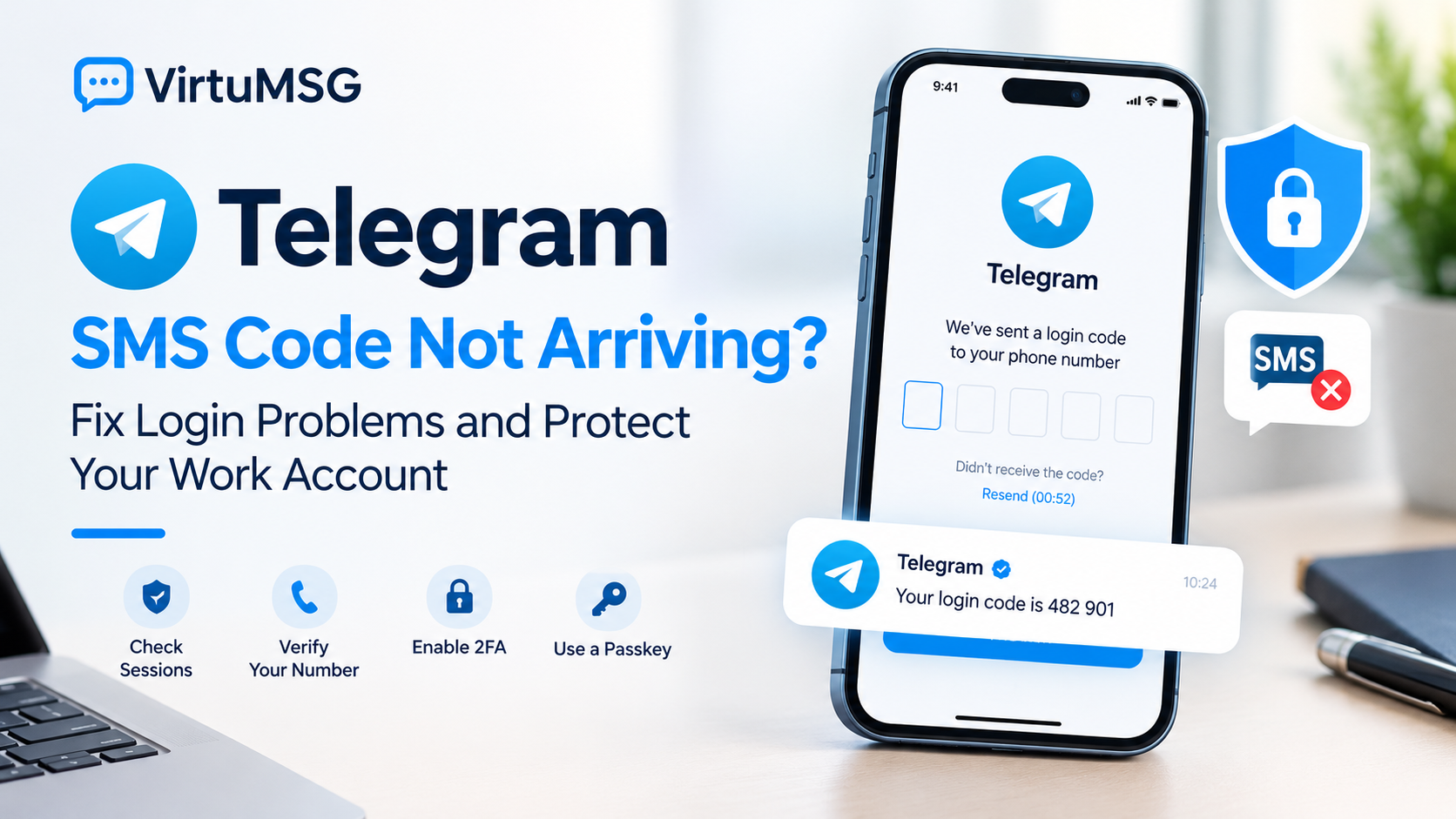
If your Telegram SMS code is not arriving, it does not necessarily mean Telegram failed to send it. In some cases, the login code may be delivered to an existing Telegram session instead of your phone's SMS inbox.
Before requesting another code, check the delivery method, confirm your mobile number, and review your account's security settings. These steps can help you troubleshoot Telegram login problems while protecting access to important work conversations.
- Check Existing Telegram Sessions
One common reason for a missing Telegram verification code is that the code has been sent inside Telegram rather than by SMS.
If you're already signed in on another phone, tablet, desktop computer, or Telegram app, open that session and look for the verified Telegram service chat.
Do not confuse it with the Verification Codes chat, which is used for codes from third-party services. Your Telegram login code should never be shared with another person, website, or service.
- Check Your Phone Number
If your Telegram login code is not received, verify that your number is correct before trying again.
- Select the correct country code.
- Enter your mobile number in international format.
- Check every digit for typing mistakes.
- Make sure you still control the registered number.
- Confirm that your SIM can receive SMS messages.
Telegram accounts require mobile numbers; landlines are not supported. If you're creating a new account, remember that registration and signing in to an existing account are different processes.
- Follow Telegram's On-Screen Instructions
If Telegram displays a waiting period or retry restriction, follow the instructions shown on your screen. Repeatedly requesting new codes may not solve the issue.
Available verification methods can vary. A voice-call option is not guaranteed to appear for every number, carrier, or login attempt.
If you're traveling internationally, remember that having internet access does not necessarily mean your registered SIM can receive SMS messages. Check your mobile service and use only the login options Telegram provides.
- Enable Two-Step Verification
A Telegram login code and your two-step verification password serve different purposes. The login code confirms a sign-in attempt, while the additional password provides another layer of account protection.
To configure it, open Telegram and navigate to:
Settings → Privacy and Security → Two-Step Verification
Choose a strong password and configure a recovery email if the option is available. Protect that email account with a strong password and additional security features.
A recovery email can help if you forget your two-step verification password, but it does not replace access to your registered phone number in every recovery situation.
- Set Up a Telegram Passkey
If you're already signed in, check whether passkeys are available in your Telegram settings. A passkey can provide another way to sign in using your device's PIN or biometric authentication.
Depending on your device and setup, this may be useful when SMS delivery is unavailable. If you use a compatible password manager to back up passkeys, make sure you understand how to access that backup when changing devices.
A passkey is an additional access method, not a reason to lose control of your registered mobile number.
- Changing Your Telegram Number
If you've permanently changed your phone number, use Telegram's Change Number feature from your existing account rather than registering a new account by mistake.
Open Settings, select your phone number, and choose Change Number. Telegram's number-change process is designed to preserve account information such as cloud chats and contacts. Secret Chats have different device-specific limitations, so review the consequences before changing devices or logging out.
Registering with a different number creates a separate account rather than automatically transferring your existing account.
If you want to manage personal and work profiles separately, explore more Telegram account-management guides on VirtuMSG.
- What If You Lose Your SIM or Phone?
First, identify what access you still have: your registered number, an active Telegram session, or a previously configured passkey.
If your SIM is missing but the number is still yours, contact your mobile operator about replacing it. If you're already signed in to Telegram, avoid logging out unnecessarily while you assess your options.
Remember that Secret Chats are tied to the devices where they were created and are not stored like ordinary cloud chats. Logging out can make those Secret Chats unavailable.
If you cannot access your old number, review Telegram's official recovery and support options. Recovery is not guaranteed if you no longer have the access methods required by Telegram.
- When to Contact Telegram Support
If your Telegram SMS verification code is still not arriving, and your number and existing sessions are correct, use Telegram's official support resources.
Explain whether you're registering, logging in, changing your number, or recovering access to a lost device. Include the exact error message and mention whether another signed-in session is available.
Submit account details only through official Telegram support channels. Never share your login code, two-step verification password, or email password with anyone claiming they can recover your account.
- Virtual Numbers and Telegram Verification
Some users consider a virtual number when registering a separate Telegram account. However, not every number is accepted, and successful initial verification does not guarantee continued access.
Before choosing a service, consider whether you can receive future login codes, retain control of the number, and recover your account if your device is lost.
VirtuMSG provides information about virtual numbers, online verification options, and account-registration challenges. Before choosing a number, review its availability, supported country, and suitability for your intended use. A service listing does not guarantee that Telegram will accept a particular number or that an account will remain accessible indefinitely.
For an important work account, long-term access and reliable recovery should take priority over one-time SMS delivery.
Frequently Asked Questions
Why did Telegram send my login code to the app instead of SMS?
Telegram may send a login code to an existing signed-in session. Check the verified Telegram service chat on your other devices.
Can I register for Telegram with a landline?
No. Telegram accounts use mobile phone numbers rather than landlines.
Why am I not receiving my Telegram verification code?
Possible reasons include an incorrect number, SMS delivery delays, carrier restrictions, or a code sent to an existing Telegram session.
Does a recovery email replace my Telegram phone number?
No. A recovery email can help with a forgotten two-step verification password, but it does not replace every account-access requirement.
Can I use a virtual number for Telegram?
Some services offer numbers for verification, but acceptance and continued access are not guaranteed. Consider the risks before using one for a long-term work account.
Telegram Login Safety Checklist
Before trying again, make sure you have:
- Checked existing Telegram sessions for the login code.
- Confirmed your number and country code.
- Followed the waiting instructions on the login screen.
- Kept any working session open.
- Enabled two-step verification where appropriate.
- Configured a recovery email.
- Considered setting up a passkey.
- Retained control of your registered mobile number.
Final Thoughts
A missing Telegram SMS code can be caused by the delivery method, number-entry errors, or restrictions shown during login. Start by checking existing sessions and following Telegram's on-screen instructions.
For a work account, prepare reliable recovery options before you need them. If you're exploring virtual-number services, VirtuMSG can be your starting point for learning about online verification options and number-related account considerations.