Guides4 min read
Telegram In-App Verification Codes: What They Are and When SMS Is Still Needed
Telegram in-app verification codes explained: how login codes arrive inside the app, why a phone number still matters, and what to do when a code does not arrive.
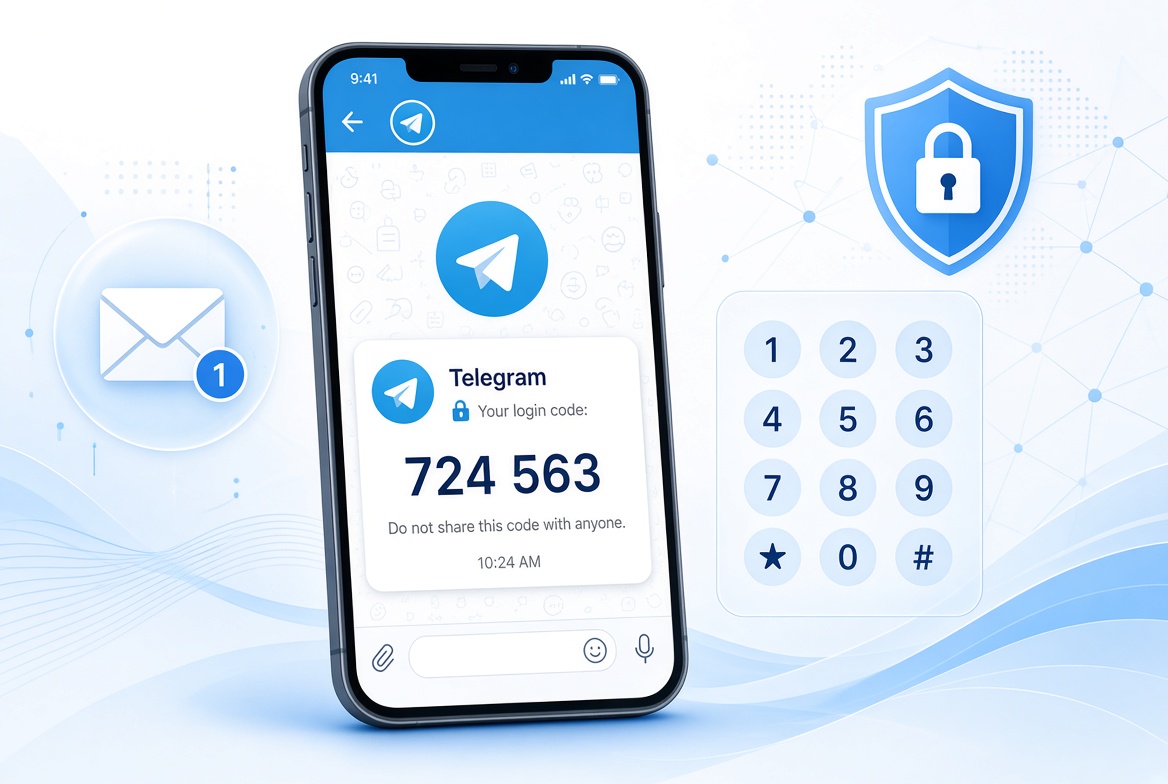
Telegram verification codes do not always arrive by SMS. In some cases, the code is delivered inside the Telegram app itself. This guide explains what Telegram in-app verification codes are, how they differ from SMS codes, and why your phone number still matters.
𝗪𝗵𝗮𝘁 𝗔𝗿𝗲 𝗧𝗲𝗹𝗲𝗴𝗿𝗮𝗺 𝗜𝗻-𝗔𝗽𝗽 𝗩𝗲𝗿𝗶𝗳𝗶𝗰𝗮𝘁𝗶𝗼𝗻 𝗖𝗼𝗱𝗲𝘀?
The phrase can mean two different things, and Telegram's FAQ describes both.
The first is a login code for your own Telegram account. If you have recently used Telegram on another device, Telegram may send the login code through Telegram instead of SMS. You can find it in the chat named "Telegram", a verified profile with a blue check, on any of your connected devices.
The second is a code from another service. Telegram allows third-party websites, apps, and marketplaces to send verification codes to their users through Telegram. These codes appear only in a verified chat called "Verification Codes". Telegram also notes that the third-party service decides which way your code is sent, and Telegram cannot change that.
𝗖𝗮𝗻 𝗬𝗼𝘂 𝗟𝗼𝗴 𝗜𝗻 𝘁𝗼 𝗧𝗲𝗹𝗲𝗴𝗿𝗮𝗺 𝗪𝗶𝘁𝗵𝗼𝘂𝘁 𝗦𝗠𝗦?
Sometimes, yes. If you are already signed in on another device, the login code can arrive in the app. Telegram also offers passkeys, which let you log in with your device PIN, fingerprint, or face scan instead of an SMS code.
SMS has not disappeared. Telegram says you can still request an SMS code even if you use a passkey, so your account should always use a current phone number that you control. In-app delivery is an extra option, not a replacement for the phone number.
𝗪𝗵𝘆 𝗮 𝗣𝗵𝗼𝗻𝗲 𝗡𝘂𝗺𝗯𝗲𝗿 𝗦𝘁𝗶𝗹𝗹 𝗠𝗮𝘁𝘁𝗲𝗿𝘀 𝗼𝗻 𝗧𝗲𝗹𝗲𝗴𝗿𝗮𝗺
According to Telegram's FAQ, each phone number is a separate Telegram account, and the number is currently the only way Telegram identifies a user. In its words, whoever has the number has the account.
This has practical consequences:
- Telegram warns that in-app codes should not replace an up-to-date phone number. If your number changes, connect Telegram to a number you control, or you risk losing access to your account.
- Telegram accounts can only be connected to a mobile number. Landline numbers are not supported.
- Turning on Two-Step Verification adds a password on top of the code, which gives your account more protection.
𝗧𝗲𝗹𝗲𝗴𝗿𝗮𝗺 𝗖𝗼𝗱𝗲 𝗡𝗼𝘁 𝗥𝗲𝗰𝗲𝗶𝘃𝗲𝗱: 𝗪𝗵𝗮𝘁 𝘁𝗼 𝗖𝗵𝗲𝗰𝗸
- Open Telegram on any other device where you are signed in and look in the "Telegram" chat. The code may be there instead of in your text messages.
- Enter your phone number in international format, with the country code.
- Check that your phone can receive text messages and is not blocking unknown senders.
- If you ask for the code by phone call, note that Telegram says this option may be unavailable for some carriers or may require Two-Step Verification.
- If you still cannot log in, contact Telegram through its support form.
𝗖𝗮𝗻 𝗬𝗼𝘂 𝗨𝘀𝗲 𝗮 𝗩𝗶𝗿𝘁𝘂𝗮𝗹 𝗡𝘂𝗺𝗯𝗲𝗿 𝗳𝗼𝗿 𝗧𝗲𝗹𝗲𝗴𝗿𝗮𝗺?
Telegram's FAQ does not say whether virtual numbers are accepted, so it is not safe to assume they are. What the FAQ does say is that the account depends on a number you control. If a temporary number is reassigned or becomes unavailable, you could lose access to the account.
Services such as VirtuMSG provide virtual numbers for platforms that allow them, but no number can guarantee acceptance by Telegram. For an account you want to keep, use a number you will have long term, and check Telegram's current guidance before you register.
𝗙𝗶𝗻𝗮𝗹 𝗧𝗵𝗼𝘂𝗴𝗵𝘁𝘀
Telegram in-app verification codes are already part of how Telegram works, both for logging in to your own account and for codes from other services. They make some logins faster, but Telegram still ties each account to a phone number, and SMS remains available. The safest approach is to keep your account linked to a current number you control and to turn on Two-Step Verification.
SEO :- telegram in-app verification code, telegram verification code via app, telegram login code in app, telegram code not received, telegram verification code not arriving sms, telegram verification codes chat, telegram login without sms, telegram passkey login, why does telegram need a phone number, can you use a virtual number for telegram, telegram two-step verification, telegram login code via phone call