Guides4 min read
How to Manage Multiple Telegram Accounts in 2026
Want to use more than one Telegram account on the same phone? Learn how multiple accounts work, why each account needs a separate phone number, and what to consider when using virtual numbers for Telegram verification.
How to Manage Multiple Telegram Accounts in 2026
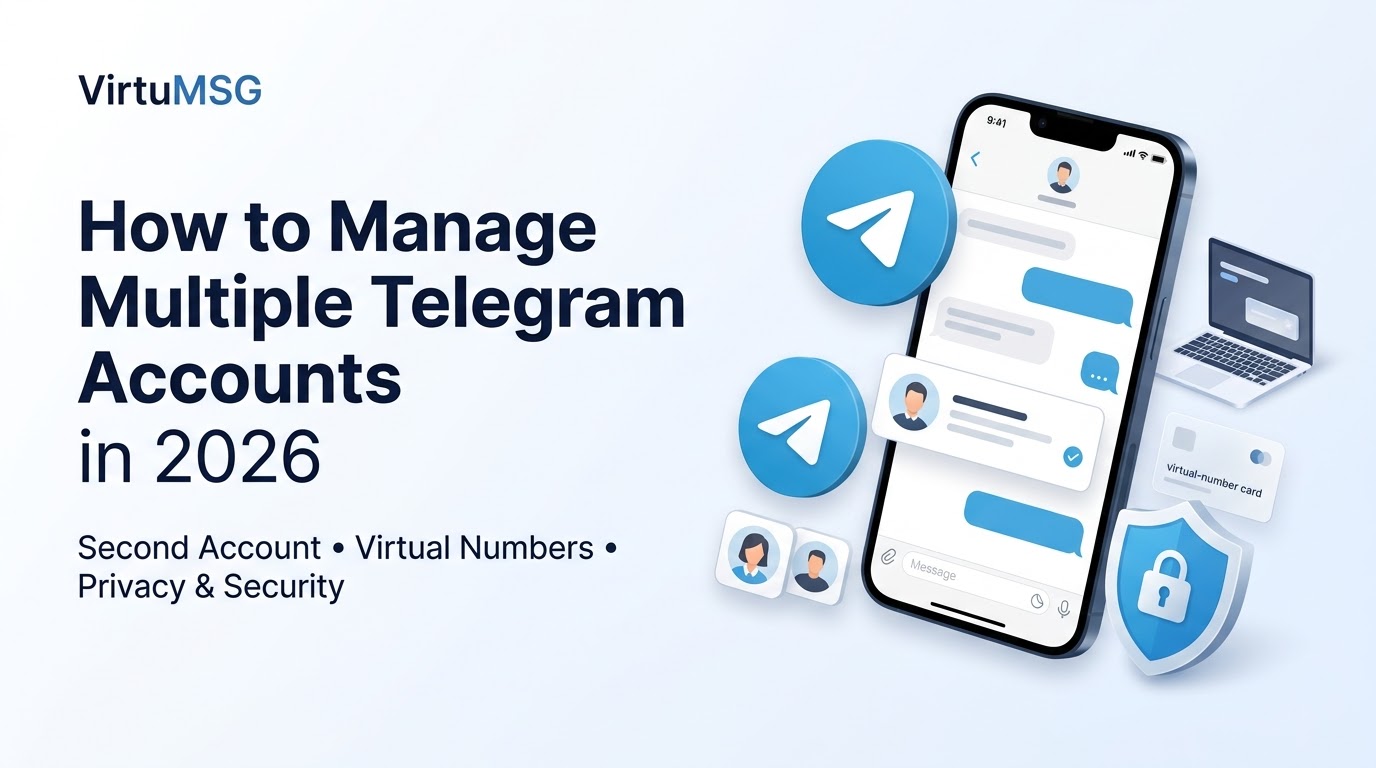
Telegram allows users to manage multiple accounts in the same app, making it easier to separate personal conversations, work messages, and different projects. Instead of carrying multiple phones, users can switch between supported accounts directly from Telegram's interface.
However, understanding how to manage multiple Telegram accounts requires knowing how phone number registration works, how to switch between profiles, and how to protect each account.
- Can You Use Multiple Telegram Accounts on One Phone?
Yes. Telegram supports multiple accounts in its mobile app, subject to the app's current account limits. Each account must be registered with a separate phone number.
Once you add your accounts, you can switch between them without repeatedly logging out and signing back in.
For users searching for multiple Telegram accounts on one phone, this feature can be useful for managing business communications, personal chats, and separate projects.
- Why Do Telegram Accounts Need Different Phone Numbers?
Each Telegram account is associated with its own phone number. This helps Telegram identify the account during registration and verification.
If you want a second Telegram profile, you generally need access to another eligible phone number that can complete the required verification process.
Before registering, make sure you can continue accessing the number or the account's available recovery methods. Losing access to a registered number can complicate account recovery.
- Are Virtual Numbers Useful for Telegram?
Some users consider virtual numbers when they want to separate their personal phone number from an additional account. Depending on the provider and number type, a virtual number may be able to receive verification messages.
If you are researching a virtual number for Telegram, check whether the provider supports your intended use and whether the number can reliably receive the required code.
Not every virtual number is accepted by Telegram. Temporary or shared numbers may also create privacy and account-recovery risks, especially if another person can access incoming verification messages.
- Benefits and Limitations of Virtual Numbers
A suitable virtual number service may offer several practical benefits:
- Privacy separation: Keep your personal number separate from some additional communications.
- Flexible options: Certain providers offer numbers from different countries.
- Pay-per-use pricing: Some services charge for individual activations.
- No additional physical SIM: A virtual number may not require a separate SIM card.
However, availability, pricing, SMS delivery, and Telegram compatibility vary between providers. A virtual number does not guarantee successful registration or long-term account access.
- How to Add Another Telegram Account
To set up an additional profile:
- Open the official Telegram app.
- Open the account or menu section.
- Look for the option to add another account.
- Enter a separate phone number.
- Complete the verification steps shown in the app.
- Check that you can access the account and its security settings.
The exact menu layout may differ by device and app version.
- Tips for Managing Multiple Telegram Accounts Safely
If you use multiple Telegram accounts for business and personal use, follow these precautions:
- Give each account a clear purpose.
- Use a strong device passcode and enable Telegram's available security features.
- Set up two-step verification.
- Keep recovery information current.
- Avoid temporary or shared numbers that other people can access.
- Never share login codes with a number provider or another person.
- Review active sessions and terminate any session you do not recognize.
These steps can help keep separate profiles organized while reducing the risk of losing access.
Frequently Asked Questions
How many Telegram accounts can I use on one phone?
Telegram supports multiple accounts in its app, but the exact limit can depend on the current app version and platform. Check the account menu in your installed app for the available options.
Does every Telegram account need a different number?
Yes. Each Telegram account is associated with a separate phone number.
Can I use a virtual number for Telegram?
Some virtual numbers may work, but acceptance is not guaranteed. Temporary and shared numbers can also create account-security and recovery problems.
Is it safe to use a temporary number for Telegram?
It can be risky if you lose access to the number or someone else can receive its messages. For an account you intend to keep, use a number you control and can continue accessing.
Final Thoughts
Managing multiple Telegram accounts can make personal and professional communication easier. Telegram's built-in account switching helps keep conversations separate, while each profile remains associated with its own phone number.
If you are planning to use a second number for Telegram, consider long-term access, verification compatibility, and account security before registering. A number that works during signup may not be a reliable choice for future recovery.
VirtuMSG will continue publishing practical guides to messaging apps, account verification, privacy, and digital communication.