Guides4 min read
How to Create an Amazon Account in 2026: Verification Problems & Solutions
Having trouble creating an Amazon account in 2026? Learn how to complete registration, troubleshoot SMS verification codes, fix common signup errors, and avoid temporary verification issues.
How to Create an Amazon Account in 2026: Verification Problems & Solutions
Creating an Amazon account is usually straightforward, but some users encounter unexpected problems during registration. Common Amazon account signup problems include phone verification requests, missing SMS codes, and temporary security checks.
If you are searching for how to create an Amazon account in 2026, this guide explains the registration process, common verification issues, and practical steps to help you complete signup.
- How to Create an Amazon Account
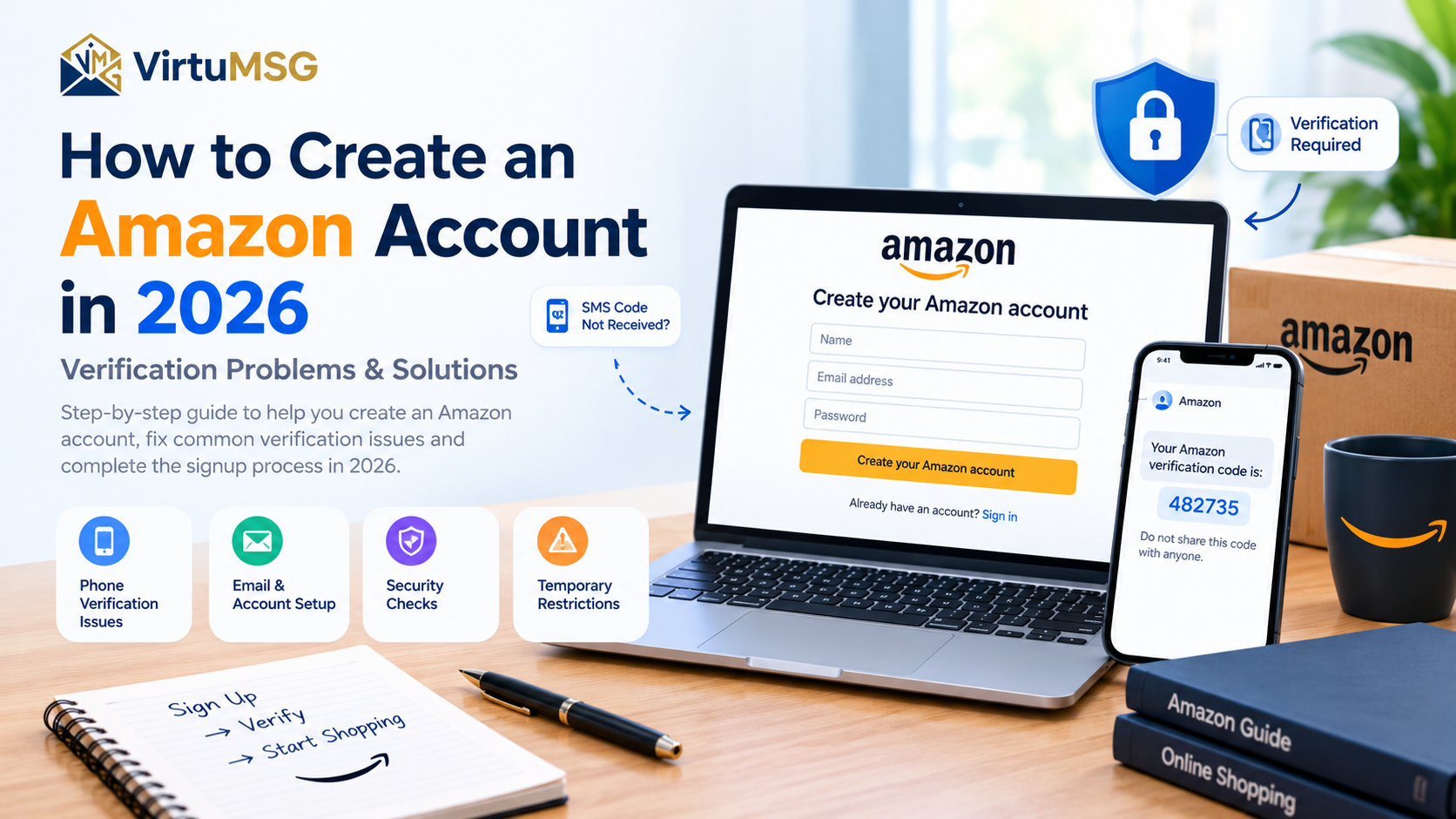
To create an account, visit the official Amazon website for your country or region and select the option to create a new account.
You may need to provide your name, email address, password, and other information requested during registration. Depending on the circumstances, Amazon may also ask you to verify your email address or phone number.
Use accurate information and follow the instructions displayed on the official website.
- Amazon Phone Verification Problems
One common Amazon account phone verification problem occurs when the registration process asks for a mobile number before allowing you to continue.
Amazon may use phone verification as an additional security measure. However, requirements can vary depending on the account activity, marketplace, and registration circumstances.
If Amazon requests a phone number, use a number you are authorized to access and follow the verification instructions provided.
- Amazon Verification Code Not Received
An Amazon verification code not received issue can prevent users from completing registration. Sometimes the SMS arrives late, while in other cases the code may not arrive at all.
Possible reasons include:
- Incorrect phone number or country code
- Mobile network delays
- Carrier restrictions on certain messages
- Temporary limits on verification requests
Check that your number is correct and can receive SMS messages. Wait briefly before requesting another code, and use the latest code if multiple messages arrive.
- Why Amazon Account Registration May Fail
If your Amazon account registration failed, the website may be requesting additional verification or may be experiencing a temporary issue.
Account details that do not match the information requested, incomplete form fields, or repeated signup attempts may contribute to registration difficulties. However, Amazon does not publicly disclose every factor behind its security decisions.
If you can't create an Amazon account, review the information you entered and follow any instructions or error messages shown on the screen.
- Repeated Verification Requests and Temporary Restrictions
Requesting several verification codes within a short period may lead to delays or temporary limits.
If Amazon stops sending codes, avoid repeatedly submitting the same request. Wait before trying again and follow any waiting period displayed on the website.
Repeatedly changing phone numbers or registration details is not a reliable solution and may make troubleshooting more confusing.
- Tips for a Smoother Amazon Signup
If you are experiencing Amazon signup issues in 2026, these practical steps may help:
- Use the official Amazon website for your region.
- Enter accurate account and contact information.
- Double-check your phone number and country code.
- Make sure your mobile connection can receive SMS messages.
- Wait before requesting another verification code.
- Review any error message carefully.
- Contact Amazon Customer Service if the issue continues.
Avoid unofficial registration websites and never share your password or one-time verification code with another person.
Frequently Asked Questions
Does Amazon always require phone verification?
Not necessarily. The information and verification steps requested may vary. If Amazon asks you to verify your phone number during signup, follow the instructions provided.
Why is my Amazon SMS verification not working?
An Amazon SMS verification problem may be caused by an incorrect number, network delays, carrier restrictions, or temporary request limits. Check your details and wait before trying again.
Can I create an Amazon account without a phone number?
Available registration options may vary by marketplace and situation. If phone verification is required, there is no guarantee that the step can be skipped. Follow the official instructions shown during signup.
What should I do if Amazon temporarily blocks registration?
Stop repeated attempts, check whether Amazon displays a waiting period, and try again later. If the issue persists, contact Amazon Customer Service through its official website.
Final Thoughts
Creating an Amazon account in 2026 may involve additional verification for some users. Phone verification requests, delayed SMS codes, and temporary restrictions can interrupt registration, but the cause can vary from one situation to another.
If you experience Amazon account signup problems, start by checking your information, confirming that your phone can receive messages, and following the instructions provided by Amazon.
VirtuMSG will continue updating this guide as reliable information about Amazon registration and verification becomes available.