Guides4 min read
Getir Phone Number Not Accepted? Causes and Possible Fixes
Is Getir rejecting your phone number during registration? Learn what may cause verification problems, how to troubleshoot missing SMS codes, and what to consider before using a different number.
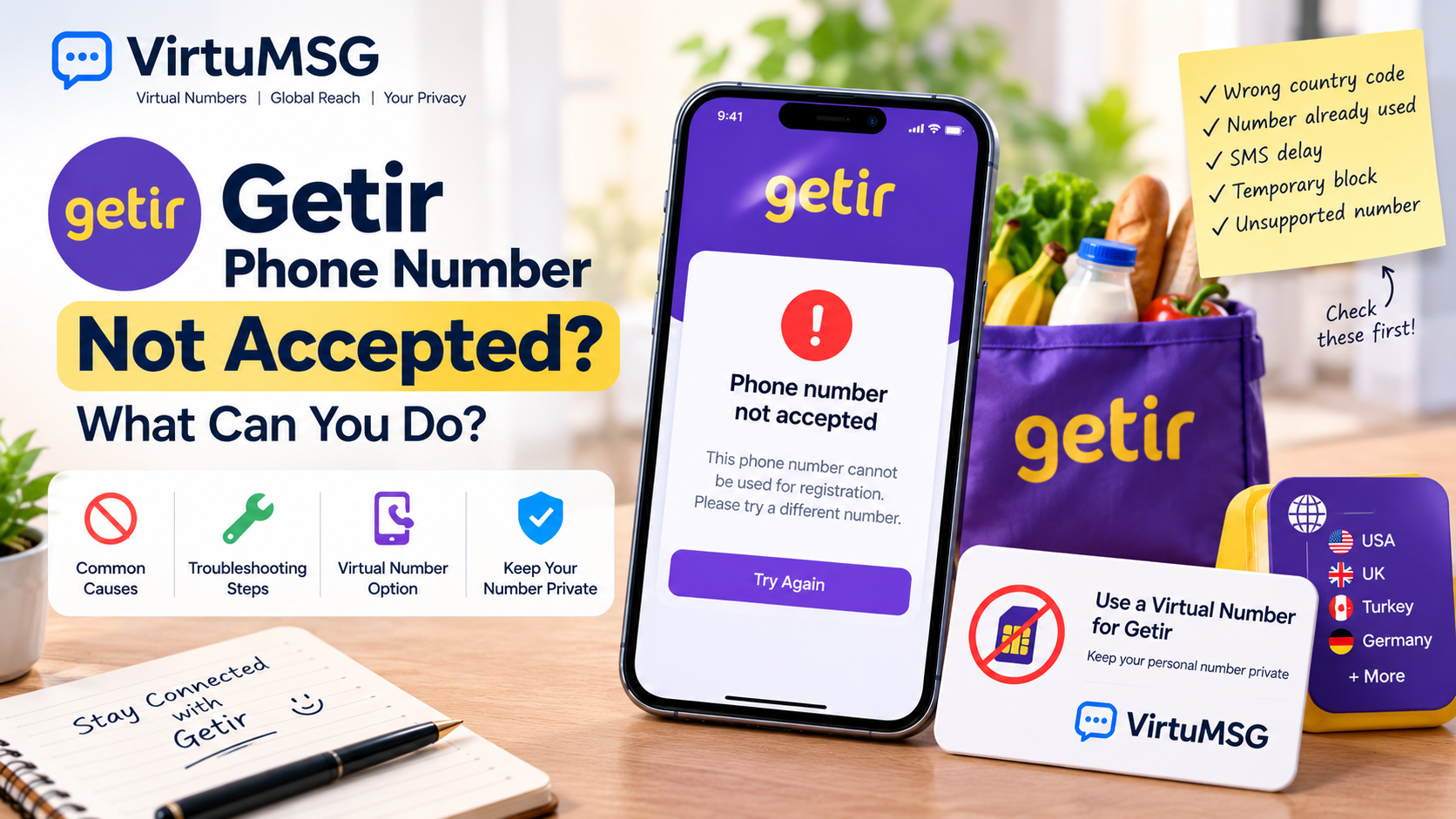
Getir Phone Number Not Accepted: What Can You Do?
Trying to create a Getir account, but your phone number keeps getting rejected? It can be frustrating when you just want to finish registration and start using the app.
There are several possible reasons for this problem. You may have entered the number incorrectly, the verification SMS may be delayed, or Getir may not accept the number you're using.
Before trying a different number, it's worth checking a few things that could solve the problem.
Why Is Getir Not Accepting Your Phone Number?
Phone verification helps apps confirm account details and protect against suspicious registration activity. If Getir says your number is invalid or cannot be used, one of these issues may be responsible.
- Incorrect country code: The selected country or phone number format may be wrong.
- SMS delivery problems: Your mobile operator may be delaying verification messages.
- Number already registered: Your number may already be connected to an existing account.
- Temporary restrictions: Repeated registration attempts may lead to a temporary limit.
- Unsupported number type: Getir may not accept certain virtual or online numbers.
The exact reason depends on the error message and Getir's current verification requirements.
How to Fix Getir Verification Problems
If your Getir verification code is not arriving, try these simple steps:
- Check the country code and phone number.
- Make sure your mobile service can receive SMS messages.
- Wait if the app displays a retry timer.
- Avoid requesting multiple codes in quick succession.
- If your number is already registered, try signing in or recovering your existing account.
- Contact Getir support if the problem continues.
These steps can help you identify the issue without creating unnecessary registration attempts.
Can You Use a Virtual Number for Getir?
Some users consider a virtual number for Getir because they want to keep their personal phone number separate from online services.
A virtual number is provided through an online service and may be accessible without a traditional physical SIM card. However, not every virtual number is accepted by Getir, and some numbers may not receive its verification messages.
Before choosing one, consider the following:
- Country options: Availability depends on the provider.
- SMS delivery: A verification code is not guaranteed.
- Privacy: Check whether the number is private or shared.
- Future access: You may need the same number for another verification attempt.
- Account recovery: Losing access to the number can make it harder to recover your account.
For an account you plan to keep, choosing a number you can reliably access is usually the safer option.
Exploring Virtual Number Options with VirtuMSG
VirtuMSG helps users explore virtual-number options and learn about online verification requirements.
If you're considering a separate number for Getir, review the available country, number type, pricing, and service conditions before choosing one.
Keep in mind that buying a virtual number does not guarantee successful Getir verification. The app's own requirements determine whether a number can be used.
Frequently Asked Questions
Why does Getir say my phone number is invalid?
Check the country code and number format first. The number may also be unsupported or already associated with an account.
Why am I not receiving my Getir SMS code?
The message may be delayed, your mobile service may have a problem, or the number may not support Getir verification.
Can I use a virtual number to register on Getir?
Some numbers may work, but acceptance depends on Getir's requirements. Successful verification is not guaranteed.
Should I keep trying different numbers?
It's better to check the error message and follow the app's instructions first. Repeated attempts may trigger additional restrictions.
What if my number is already linked to Getir?
Try signing in to the existing account or use the available account-recovery options rather than immediately creating another account.
Final Thoughts
If Getir is not accepting your phone number, start by checking your number format, SMS delivery, and any existing account linked to it. These simple steps may help resolve the problem.
If you're considering a virtual number, make sure you understand its limitations and can maintain access to it. VirtuMSG can help you explore available options, but Getir ultimately decides which numbers it accepts.