Guides4 min read
How to Create a Second Instagram Account: Privacy and Setup Guide
Learn how to set up a second Instagram account, manage multiple profiles, protect your privacy, and understand phone verification options with VirtuMSG.
How to Create a Second Instagram Account: A Complete Guide
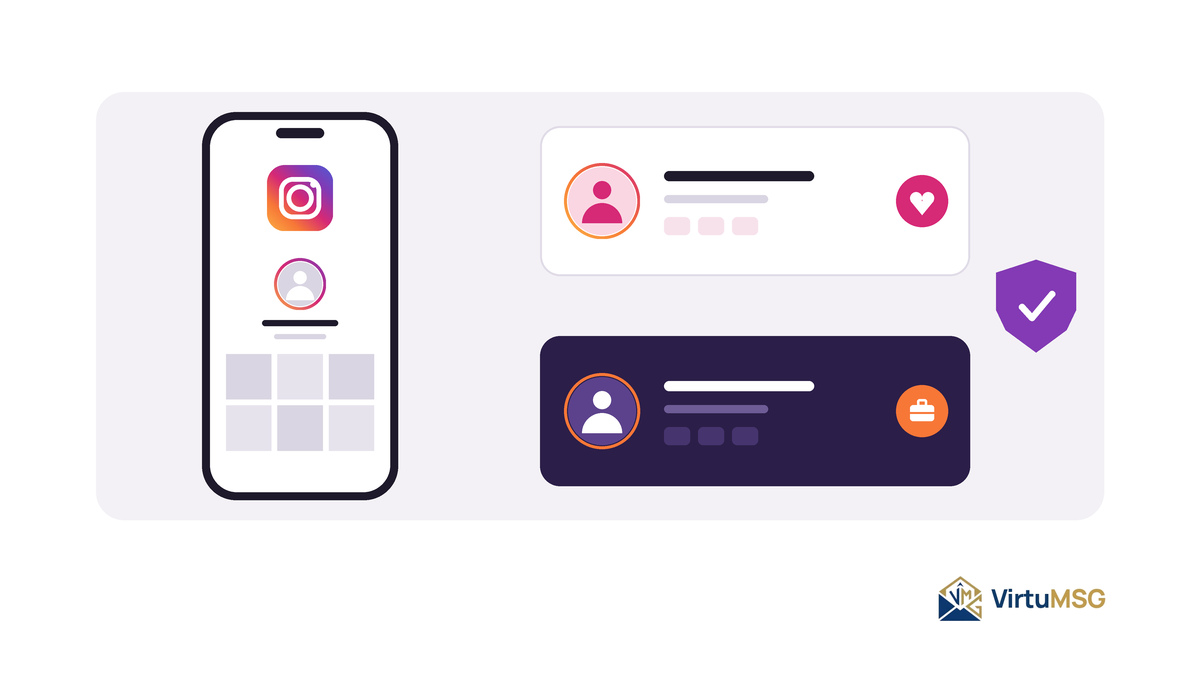
A second Instagram account can be useful when you want to keep personal photos separate from business content, manage a dedicated creator profile, or build an audience around a different interest. Instead of mixing everything into one profile, separate accounts can help you organize your content and communicate with different audiences.
Before creating another account, it is worth understanding Instagram's account setup options, verification requirements, and security practices.
Why Create a Second Instagram Account?
People create additional Instagram profiles for different reasons. Some want a professional account for their business, while others prefer a separate profile for hobbies, creative projects, or a particular audience.
Common reasons include:
- Business and personal separation: Keep work-related posts separate from everyday updates.
- Content management: Organize different brands, projects, or interests.
- Creator profiles: Build an audience around a specific subject.
- Privacy preferences: Choose what information and content to share on each profile.
- Audience organization: Tailor content to different groups of followers.
Instagram supports multiple accounts in its app, although available features and account-management options may vary.
Can You Create a Second Instagram Account With a Different Number?
Instagram's registration and verification requirements can vary. Depending on the options offered during signup, you may be able to register using an email address or another supported method.
If Instagram requests phone verification, you may need a number that meets its current requirements. A second account does not automatically require a different phone number in every situation, and creating multiple profiles does not guarantee that additional security checks will be avoided.
How VirtuMSG Can Help With Online Verification
If you prefer to keep your primary contact number separate from an additional profile, a compatible virtual number may be an option to consider.
VirtuMSG offers virtual-number options for users exploring online verification services. Before selecting a number for Instagram, check whether it supports the required verification process.
Not every virtual number is accepted. Some numbers may be unsupported, previously used, or unable to receive the necessary confirmation code. Successful verification cannot be guaranteed.
Best Practices for Managing Multiple Instagram Accounts
Creating another profile is only the first step. Good account-management habits can help keep your profiles organized and accessible.
- Use Clear Account Details
Choose a username and profile description that make the purpose of each account clear. This is particularly useful when managing personal and professional profiles.
- Secure Each Account
Use strong, unique passwords and enable available security features. Keep your recovery email and other account details up to date.
- Avoid Unusual Account Activity
Creating accounts rapidly or performing repetitive actions can sometimes trigger security checks. Set up profiles carefully and follow Instagram's rules rather than attempting to bypass platform restrictions.
- Maintain Access to Verification Methods
If a profile is connected to a phone number, make sure you understand whether you can access that number again. Losing access may complicate future verification or account recovery.
- Review Instagram's Current Requirements
Instagram's registration, account-linking, and verification options can change. Check the official app for the latest instructions before setting up an additional profile.
Are Virtual Numbers Suitable for Instagram Accounts?
A virtual number may be useful when the service and platform support it. However, temporary numbers can create account-recovery problems if you lose access to incoming messages or the number is reassigned.
For an account you intend to keep long-term, prioritize reliable recovery options and confirm the limitations of any number you use.
Final Thoughts
A second Instagram account can help you separate personal activities, manage business content, and explore new ideas. The best approach is to create your profile carefully, protect your login details, and maintain access to your recovery methods.
VirtuMSG can help you explore virtual-number options for supported verification needs. Always check compatibility before purchasing a number, and remember that Instagram determines which verification methods it accepts.
PRIMARY KEYWORDS
- create a second Instagram account
- how to make a second Instagram account
- multiple Instagram accounts
- second Instagram account verification
SECONDARY KEYWORDS
- Instagram account without personal phone number
- Instagram second account setup
- Instagram multiple account management
- Instagram phone number verification
- Instagram email registration
- virtual number for Instagram verification
LONG-TAIL KEYWORDS
- how to create a second Instagram account on one phone
- can I have two Instagram accounts on one device
- how to set up a second Instagram account for business
- can you create an Instagram account without a phone number
- how to verify a second Instagram account
- how to keep personal and business Instagram accounts separate
- can a virtual number receive an Instagram verification code
- how to manage multiple Instagram profiles safely
- what to do if Instagram asks for phone verification
- how to protect a second Instagram account from losing access
BRAND KEYWORDS
- VirtuMSG virtual numbers
- VirtuMSG Instagram verification
- VirtuMSG online verification services