Guides4 min read
How to Create a Gmail Account Without a Phone Number (2026 Guide)
Want to create a Gmail account without sharing your personal phone number? Learn about Google's phone verification requirements, alternative signup options, virtual number limitations, and ways to protect your privacy.
Gmail Without a Phone Number: What You Should Know
Many people want to create a Gmail account without linking their personal phone number. Whether you need a separate email for business, online projects, or everyday privacy, understanding Google's registration process can help you choose the right option.
Google may allow some users to sign up without phone verification, while others may be asked to verify their identity during registration. The requirements can vary, so there is no guaranteed method that works for every account.
Can You Create a Gmail Account Without a Phone Number?
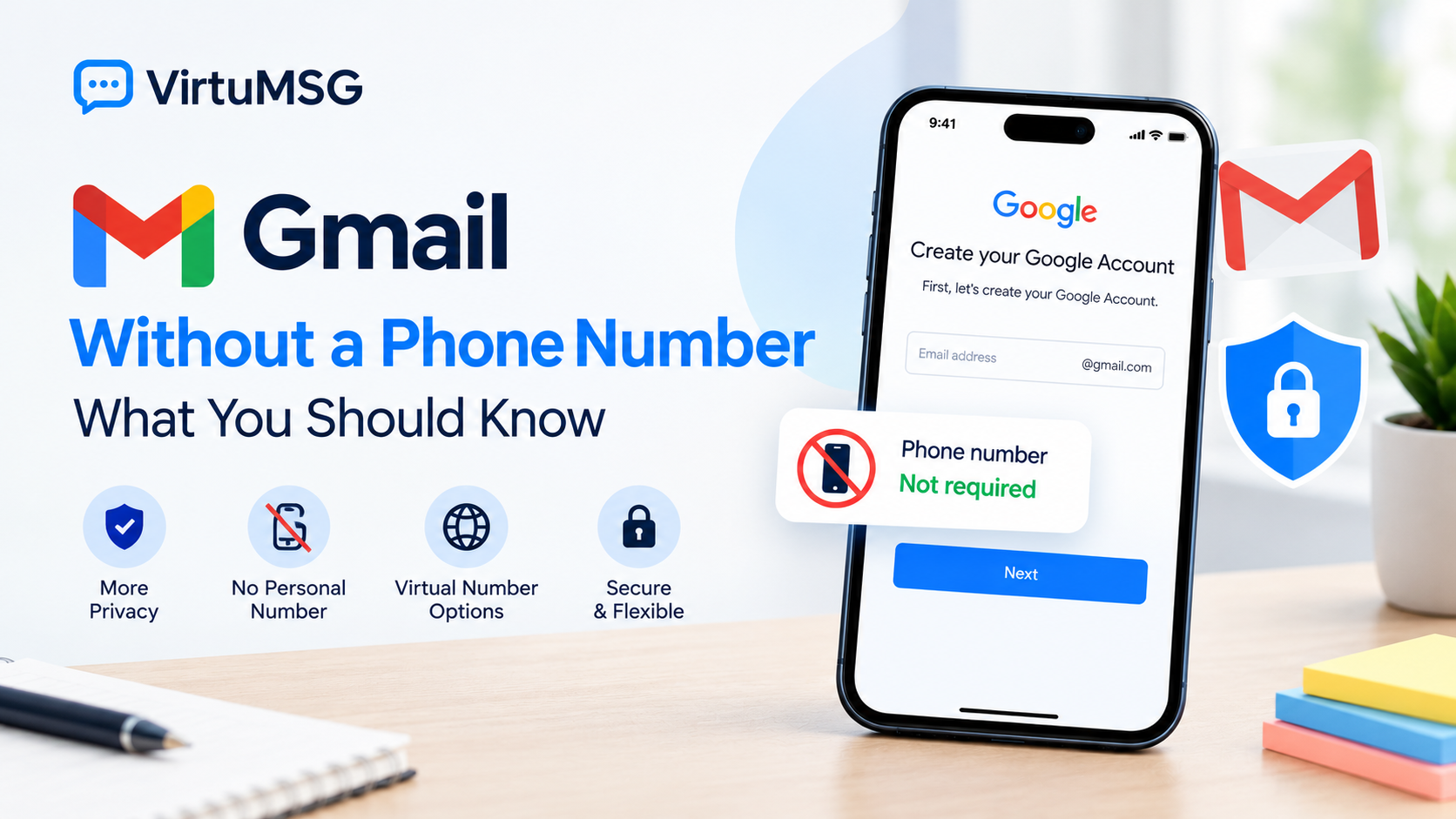
In some cases, Google allows users to create a Gmail account without adding a phone number. However, phone verification may be required depending on Google's security checks and the registration attempt.
If the signup form offers a phone-number field as optional, you may be able to continue without providing one. If Google requires verification, you should follow the available official options.
Searching for ways to create Gmail without phone verification is common, but avoiding a phone number is not guaranteed.
Why Does Google Ask for Phone Verification?
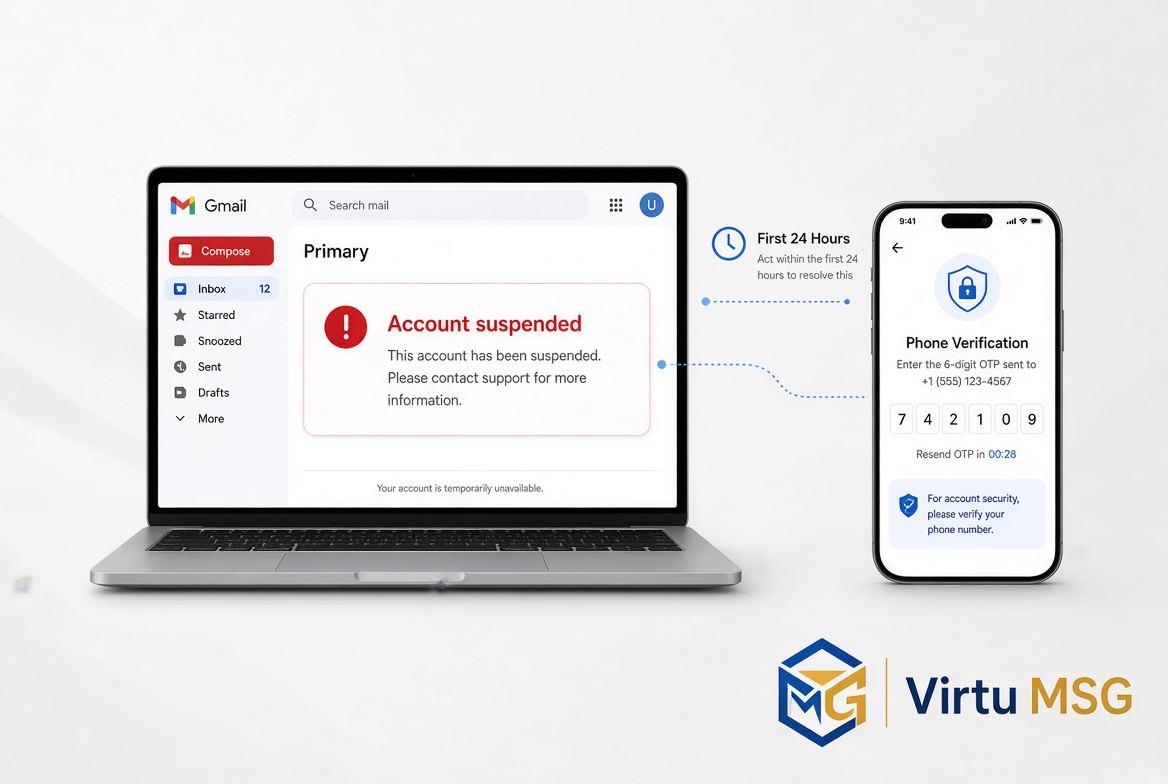
Google may request phone verification to help prevent abuse, automated account creation, and suspicious registration activity.
You might encounter a verification request when creating a new Gmail account, attempting multiple registrations, or triggering additional security checks.
If your Google verification code is not arriving, confirm that the number is correct and that your mobile service can receive messages. Follow the instructions displayed on the signup screen rather than repeatedly requesting codes.
Can You Use a Virtual Number for Gmail?
Some users consider a virtual number for Gmail registration because they want to keep their personal SIM separate from online accounts.
However, Google does not accept every virtual or temporary number. Some numbers may be rejected, already used too many times, or unable to receive Google's verification messages.
Before using a third-party number service, consider these important points:
- Number availability: Not every country or number type will be accepted.
- SMS delivery: Receiving a code is not guaranteed.
- Privacy: A shared or temporary number may expose verification messages to other users.
- Account recovery: Losing access to the number may make future verification more difficult.
- Long-term access: A one-time verification number may not remain available when you need it again.
A virtual number should not be treated as a guarantee of successful registration or permanent account access.
Benefits and Limitations of Virtual Numbers
Depending on the provider, virtual numbers may offer online access, different country options, and pay-as-you-go pricing without requiring a physical SIM card.
However, these benefits depend on the specific service. A provider's advertised availability does not mean Google will accept every number or that SMS delivery will always work.
If you explore virtual-number options through VirtuMSG, review the available country, number type, pricing, and access conditions before choosing a service. Avoid relying on a temporary number as your only account recovery method.
What If Your Gmail Verification Code Is Not Arriving?
If your Gmail verification code is not received, try the following:
- Check that the phone number and country code are correct.
- Confirm that your SIM can receive SMS messages.
- Wait for the period shown on Google's signup screen before trying again.
- Use another verification option only if Google offers it.
- Avoid repeated registration attempts if Google displays a security restriction.
If Google requires phone verification, there may not be an alternative available for that particular attempt.
How to Protect Your Gmail Account
Creating an account is only the first step. Keeping access to it is just as important.
- Use a strong, unique password.
- Add a recovery email you can access.
- Keep your recovery details up to date.
- Enable available security features.
- Store important account information securely.
- Avoid using shared numbers for accounts containing sensitive information.
These precautions can help you maintain access and reduce the risk of losing your account.
Frequently Asked Questions
Can I create Gmail without a phone number in 2026?
Sometimes. Google may allow registration without a phone number, but it can require verification depending on its security checks.
Can I use a virtual number to verify Gmail?
Some virtual numbers may work, while others may be rejected. Acceptance is not guaranteed.
Why is Google asking for my phone number?
Google may request verification to help prevent abuse and confirm that a registration attempt meets its security requirements.
What should I do if my Gmail SMS code does not arrive?
Check your number, mobile service, and the instructions shown on the signup screen. Use only the verification options Google provides.
Is a temporary number safe for a long-term Gmail account?
It can create recovery problems if you lose access to the number. For important accounts, reliable recovery options are essential.
Final Thoughts
Creating a Gmail account without a phone number may be possible in some circumstances, but Google's requirements can change and verification cannot always be skipped.
Review the available signup options, protect your account with strong security settings, and make sure you have a reliable way to recover access. If you are considering virtual numbers, VirtuMSG can help you explore online verification options while keeping their limitations in mind.